Effect Settings
Delay
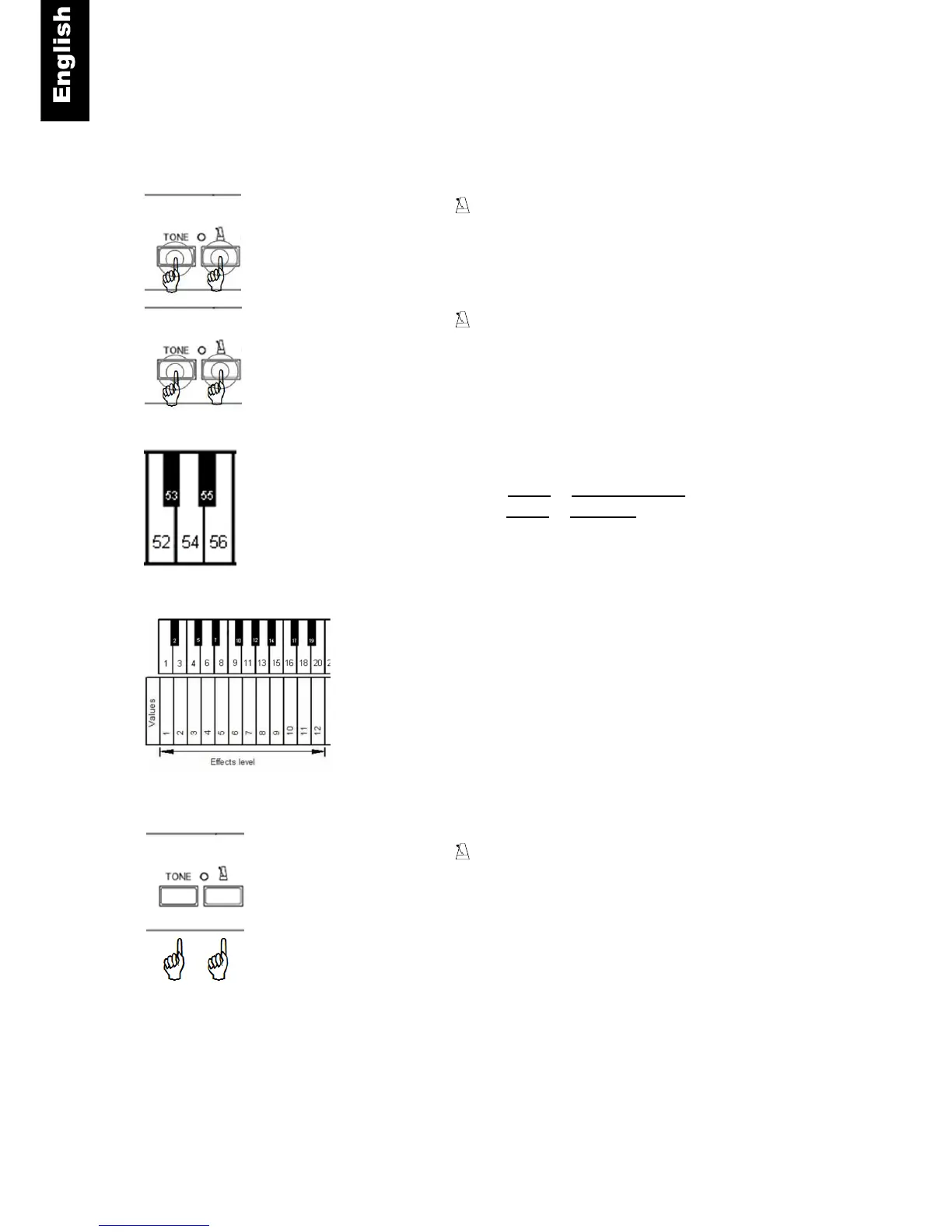
Tone and – Press and hold the “TONE”- and the
“METRONOME”-button.
Tone and - Continue to hold the “TONE”- and the
“METRONOME”-button.
Piano key
– Play piano key 52 to activate the delay effect or
– play piano key 54 to deactivate the delay effect.
Piano key – Play piano key 1, 3 … 18 or 20 to select the level
(intensity) of the Chorus effect.
Tone and – Release the “TONE”- and the “METRONOME”-
button to save your settings.



 To Next Page