Changing the tempo of the playback of a recorded song
The tempo of the playback of a recorded song can be changed during playback. The range of
adjustment is from 50% to 200% of the normal tempo.
Tempo Instructions
Select a bank that has recorded data and play it back as
described above.
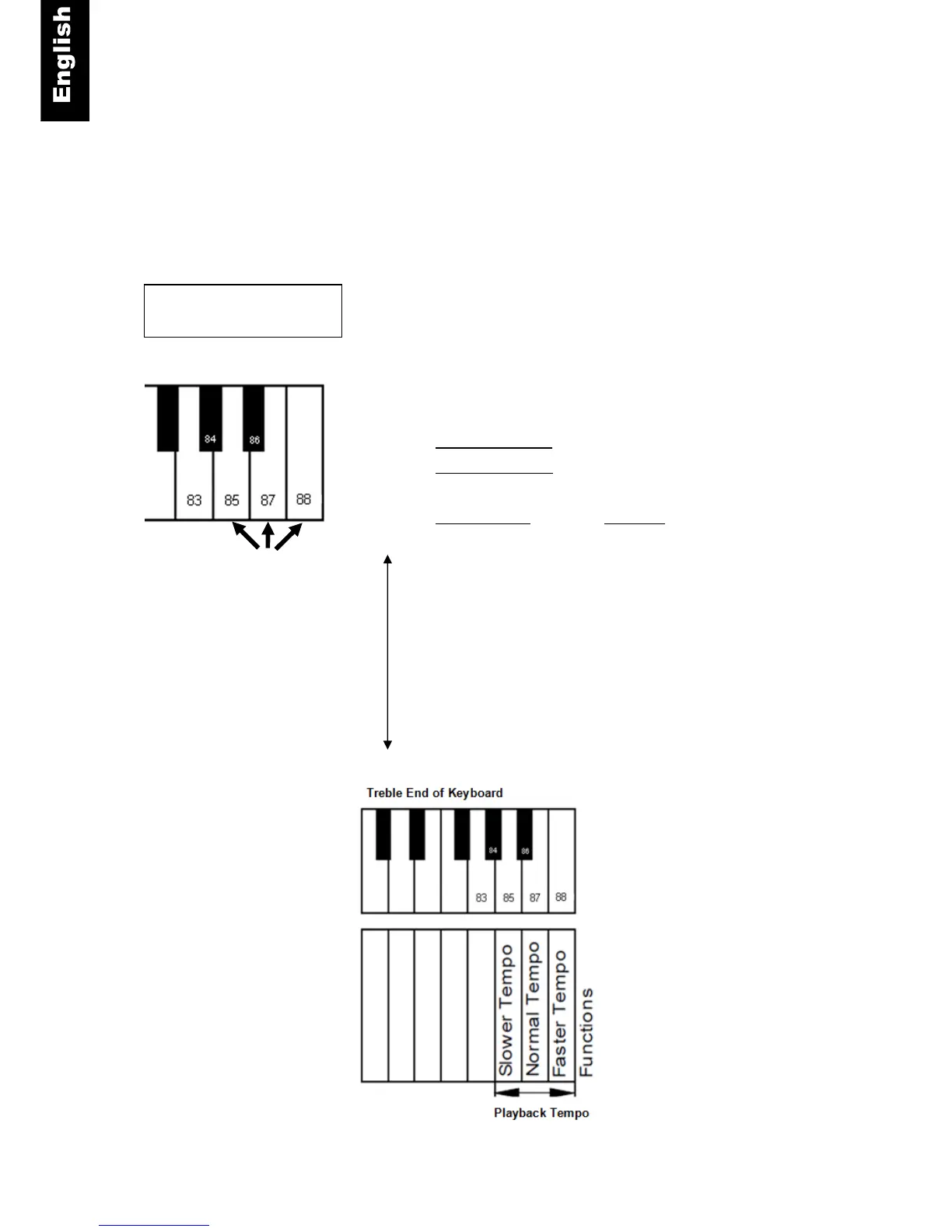
Piano key - Press one of the piano keys that control tempo
(Refer to the following figure.)
- Key 85 decreases the tempo and
- Key 88 increases the tempo in 5 steps either direction
from normal.
- Key 87 returns the tempo to normal.



 To Next Page