Pedal Settings
ProRecord allows you to set the depth at which the pedal function turns on. You can also enable a
proportional pedal function for the sustain pedal if desired.
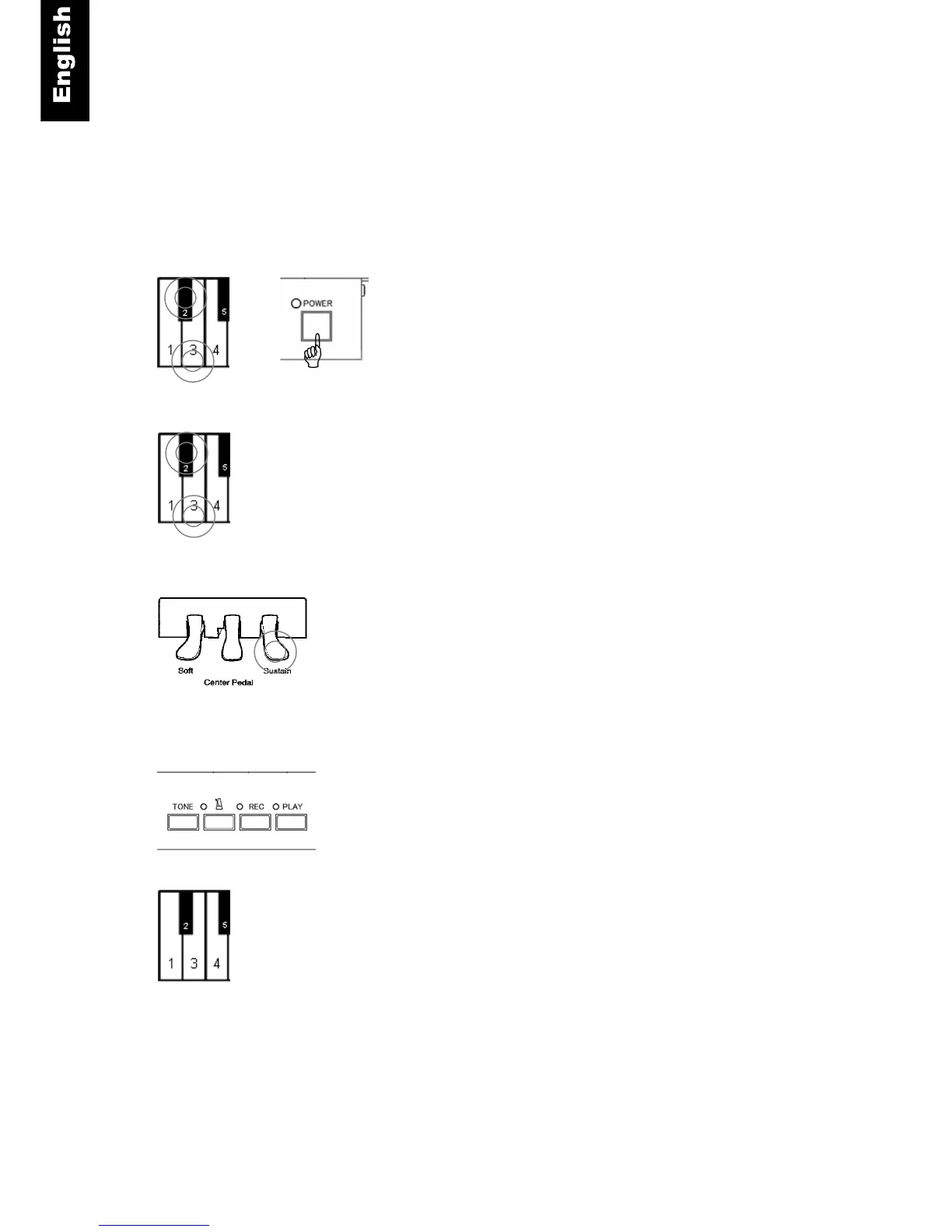
Pedal ON Position
Piano keys 2 and 3 + Power ON - Press and hold key 2 and 3
while turning the power on. A chime will sound to confirm that you
are in pedal setup mode.
Piano keys 2 and 3 - Continue holding the two piano keys.
Piano Pedal Left, Center or Right - Press the pedal you wish to
set to the depth which you want it to turn on. Hold the pedal at
this position.
PLAY- Press the “PLAY” button. A chime will sound indicating
that the pedal “ON” position has been set.
Piano keys 2 and 3 - Release the two piano keys.
+



 To Next Page