Chapter 3 Quick Start Information
Before you start
Is the correct power supply available?
Be sure the power is connected, either from an AC adaptor or
from a compatible external system.
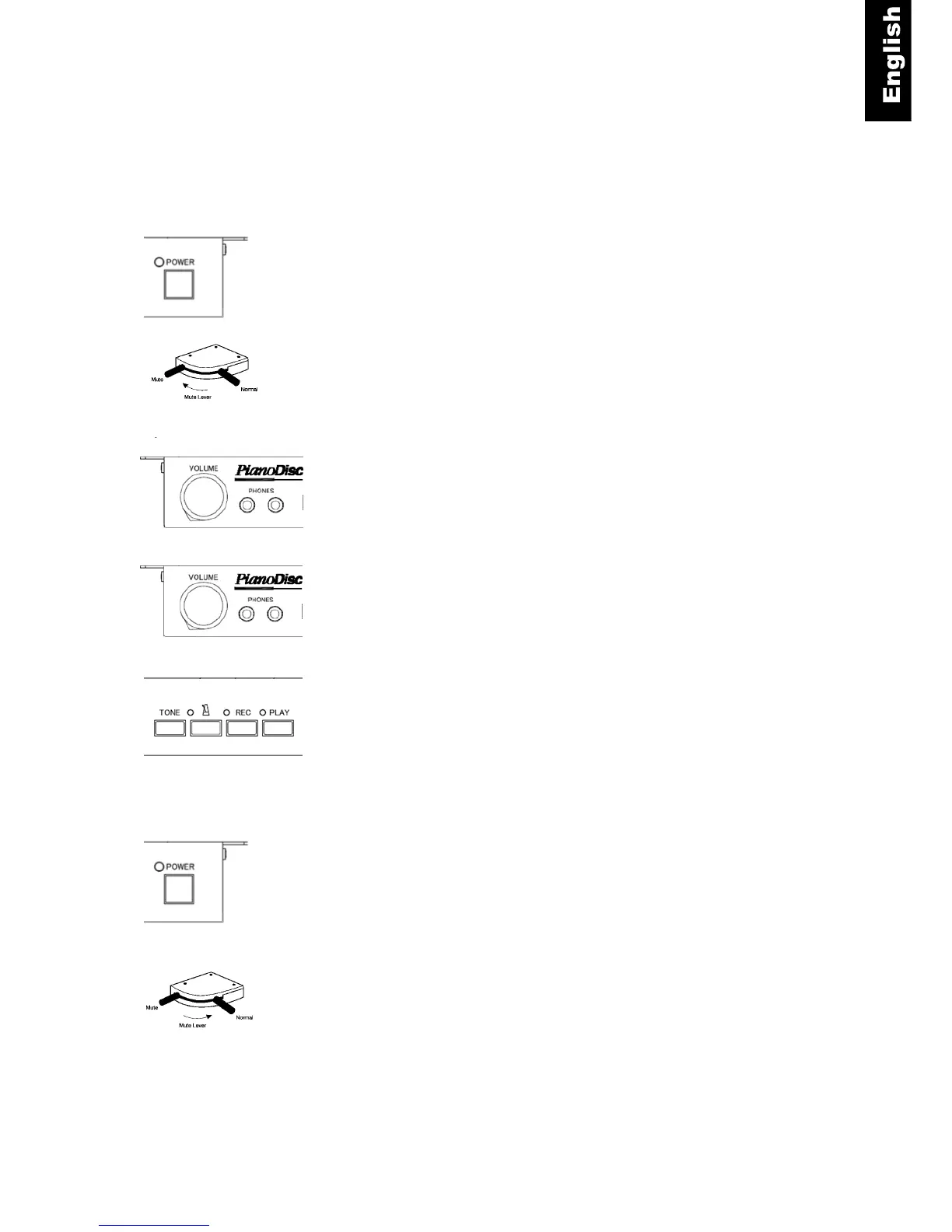
Switching on - Turn the power on by pressing the “POWER”
button. Do not press any keys or pedals while powering on.
Activating the stop rail - Move the lever (left side, beneath the
piano keyboard) into the “Mute” position.
Plugging in and wearing the headphones. Plug your
headphones into one of the headphone jacks on the QuietTime
control box. Then put the headphones on.
Volume - Play something on the piano. Adjust the
headphone’s volume using the volume control. Establish a
pleasant listening volume level.
Selecting an instrument - Select the desired instrument using
the “TONE” button.
Playing the piano. Play the piano as normal. Only you can hear
the sound of the piano.
Switching off - Press the power button gently.
Deactivating the stop rail. Move the lever on the left beneath
the piano keyboard into the Normal position.



 To Next Page