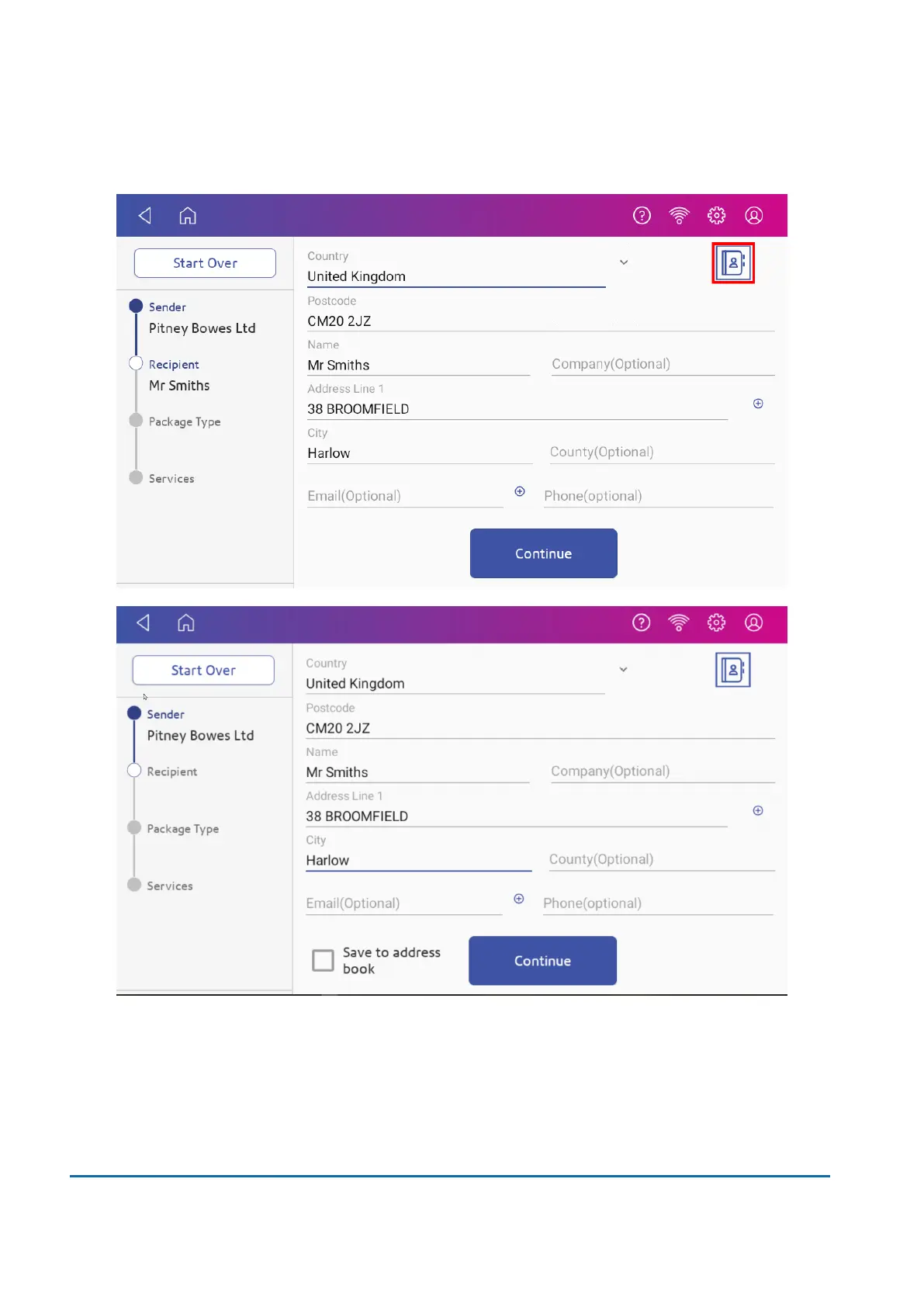
6. Tap the Address icon to select the recipient address from the Shipping Address Book.
Alternatively, manually enter a postcode and scroll to the desired address.
Important: You can set the device to automatically save addresses to the Shipping Address
Book.
Using a browser on your computer, log in to SendPro Online and tick the box to enable the
Always save new recipient address within the Address Book settings.
7. Tap Continue.
6 • Mailing and Shipping
Pitney Bowes User Guide March 2023 55












 To Next Page