148
BT37 MarkII: Service Manual MA200606 1.0.0
Calibration using automatic calibration kit
(Valid)
17. Select Exit
18. Remove the probes and Aalborg from unit. Remember to replace the Blanking
Plugs.
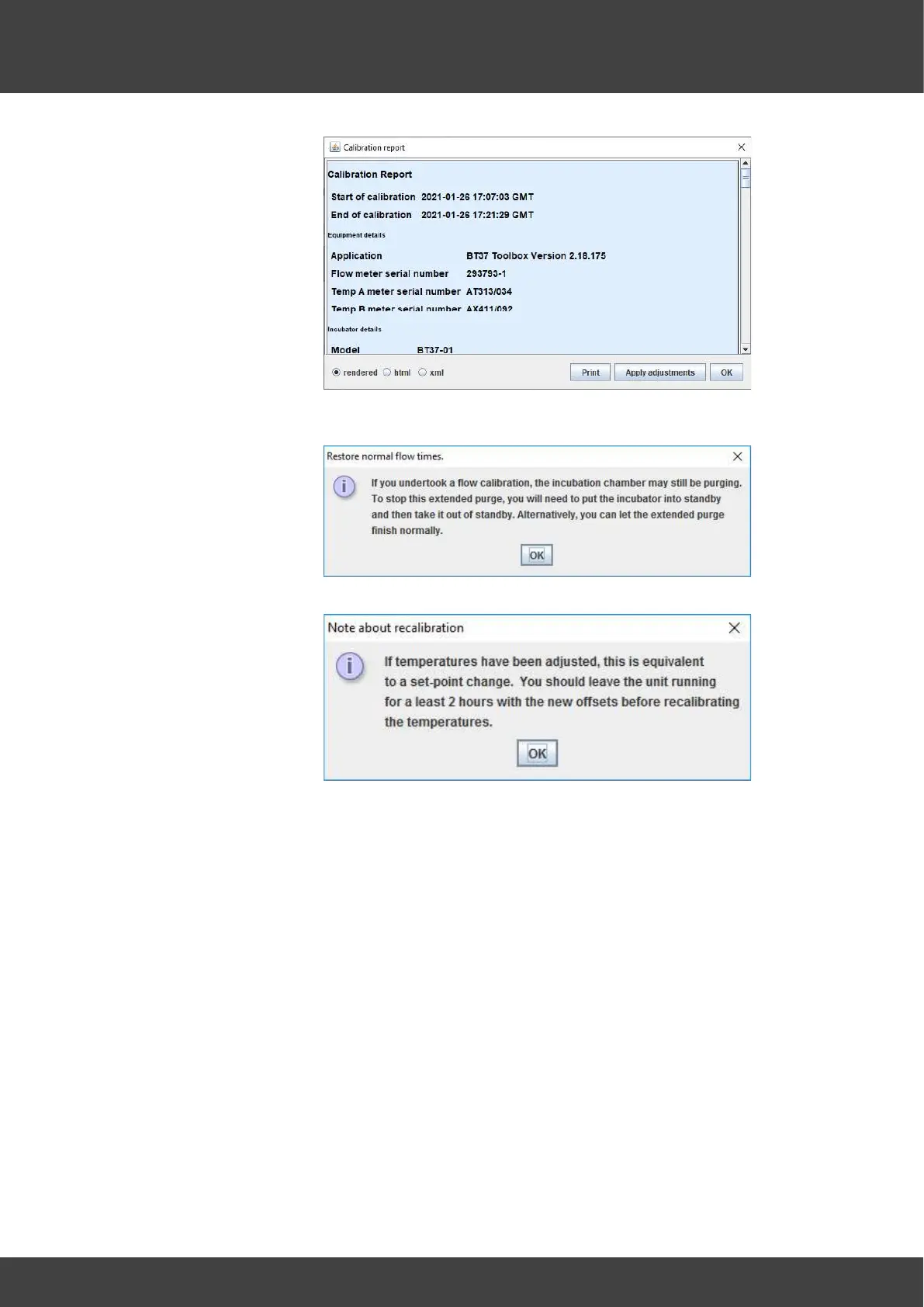
19. Open Calibration file (PDF). If the Calibration report is complete, check that the
customer is satisfied. Discuss any other customer issues that you have been
trained on. If something is raised that you have not been trained on, simply take
the details and escalate the issue when back at Planer.
21. Agree a timescale with the customer so that they will know when the final
certificate will be available.
22. Print, sign and date (Date of calibration, not date of certificate)
23. Scan and send to customer, CC Support Logs and Visit report.
Further Information can be found from the Help menu on the BT37 Toolbox Software.
Please also see:
· BT37 Incubator Instructions for Use (MA200282)



 To Next Page