37
BT37 MarkII: Service Manual MA200606 1.0.0
Component replacement
Fig.3 Fan connector.
Chamber Lids Removal
5) Disconnect the two 20-way flat cables that connect the right heater plate assembly
to the right humidifier board (as viewed from the front of the equipment). The cables
are released by moving the connector clamping lugs in the direction shown in Fig.4,
which shows the top connector with the clamp in the released position, and the
bottom connector still in the clamped position.
Fig.4 Top connector clamp released in direction of arrow
6) Disconnect the two 20-way cables that connect the left heater plate assembly to the
left humidifier board.
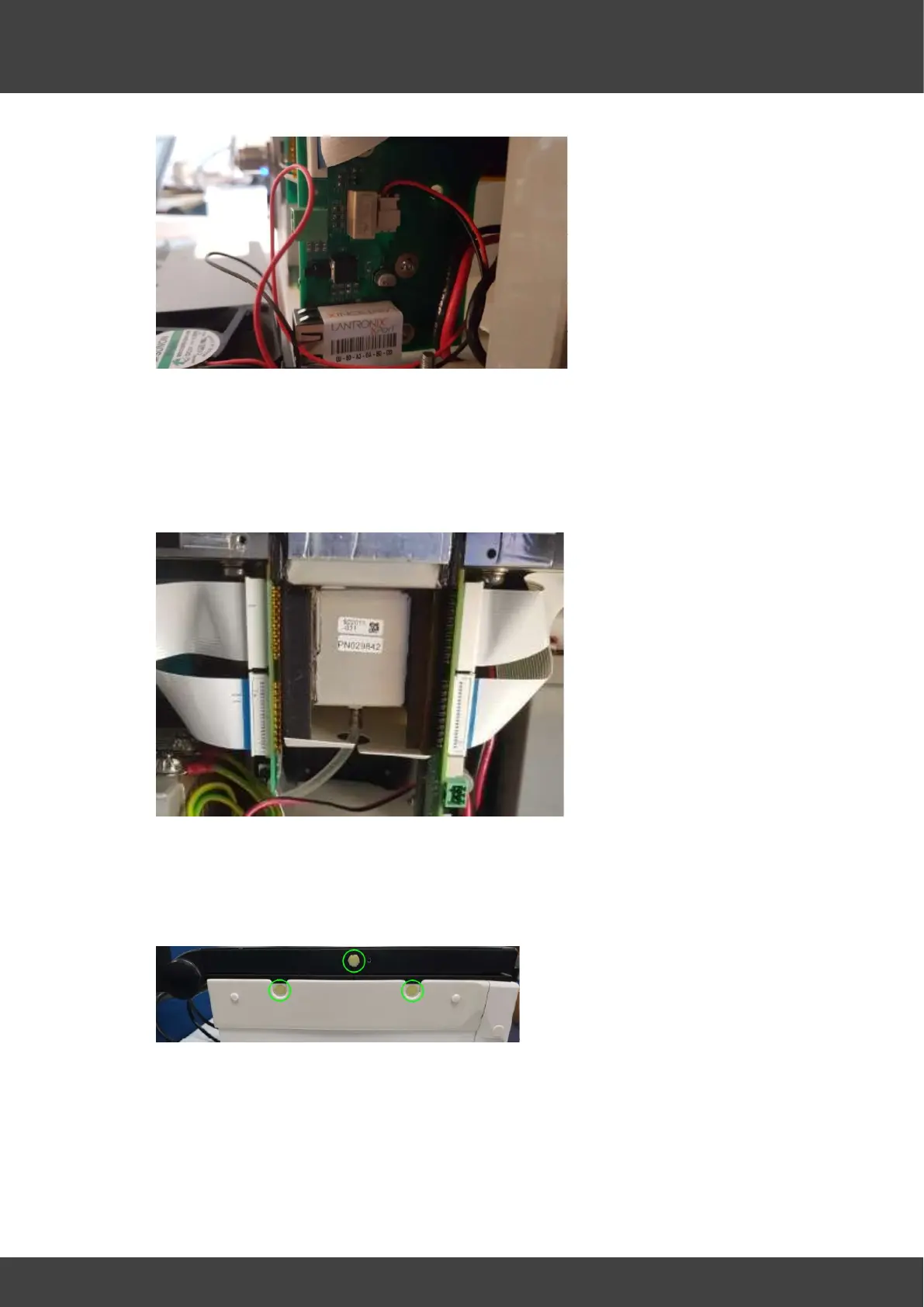
7) Remove the plastic bungs on both lids if necessary. Refer to Fig.8.
Fig.8 Bungs to be removed
8) Pullout the plastic rivets and remove the plastic fascias from both sides of the unit.



 To Next Page