63
BT37 MarkII: Service Manual MA200606 1.0.0
Component replacement
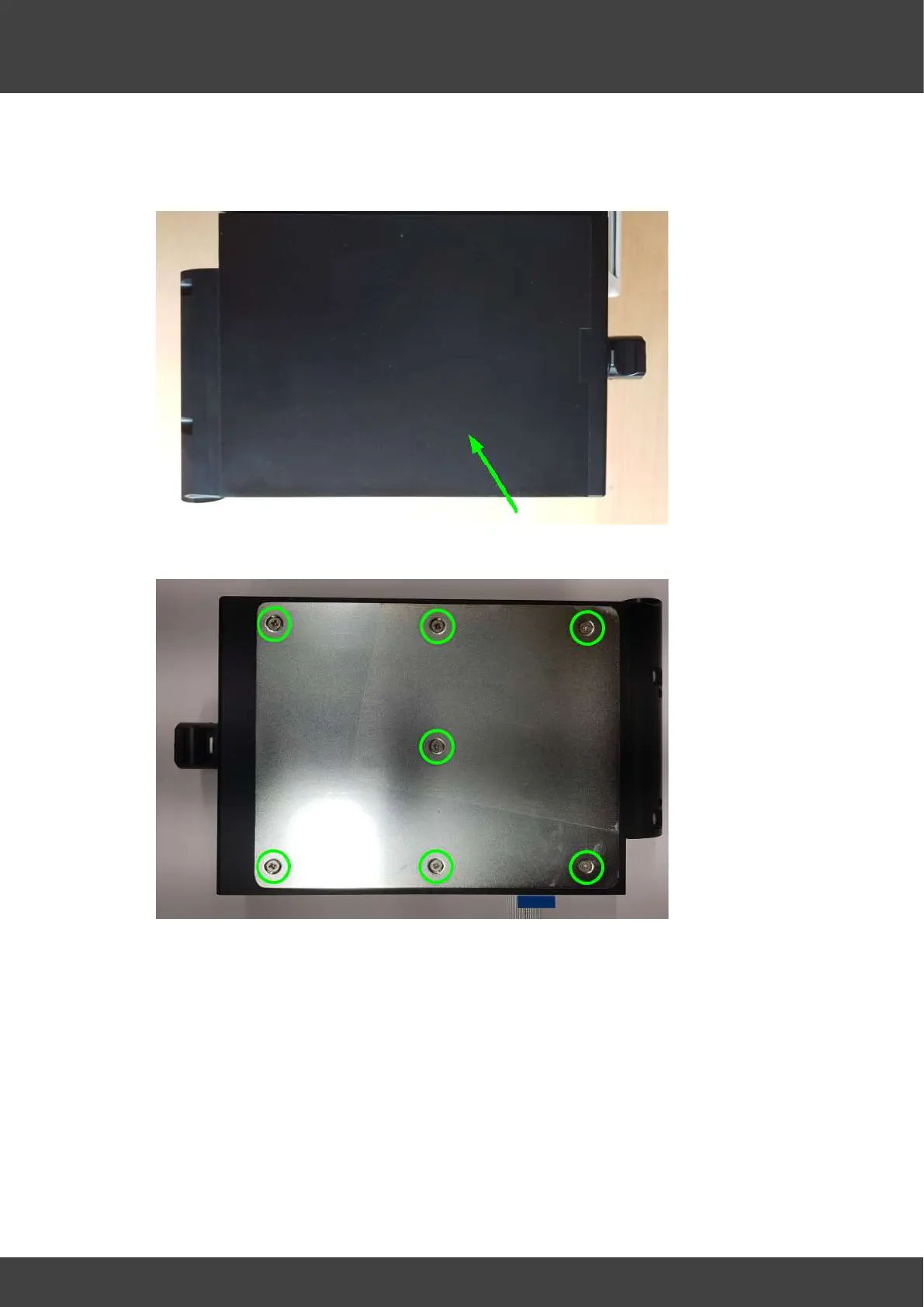
3) Peel off the lid label attached to the top surface of the chamber assembly lid ( see
Fig.2 ) to expose the 7 countersunk screws that secure the stainless protection plate
( see Fig.3 )
Fig_2 Lid label to be removed
Fig.3 showing protection plate held by 7 screws
4) Remove the 7 countersunk screws and the stainless steel protection plate shown in
Fig.3.
5) Remove the silicone insulating pad and spacers (see Fig.4) to reveal the top heater
circuit board.


 To Next Page