64
BT37 MarkII: Service Manual MA200606 1.0.0
Component replacement
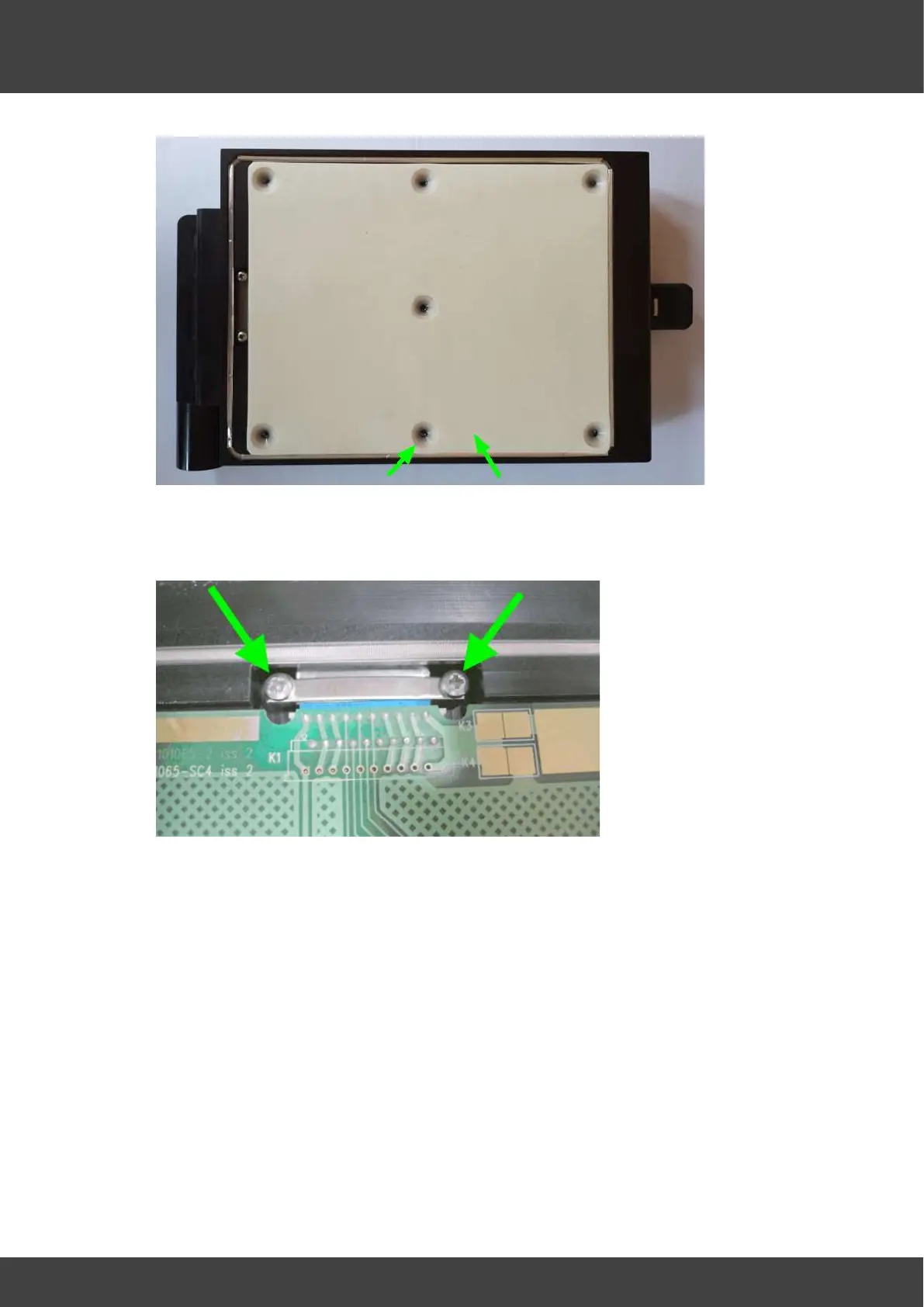
Fig.4 showing spacers and silicone insulating pad
6) Undo the two pozi-pan screws and washers that secure the clamping bar above the
FCC cable and the support bar beneath the FCC cable (Fig.5). Remove the clamping
bar.
Fig.5 Clamping bar above FCC cable. Support bar not visible below cable.
7) Gently lift the end of the circuit board that is furthest from the FCC cable out of the
plate assembly whilst carefully feeding some extra FCC cable through the hinge
channel to give extra slack. Rotate the heater board away from the plate. Release the
FCC connector cable locking mechanism as shown in Fig.6 and remove the top
heater circuit board. Remove lower FCC cable support bar from its recess below the
FCC connector (Fig.7).


 To Next Page