66
BT37 MarkII: Service Manual MA200606 1.0.0
Component replacement
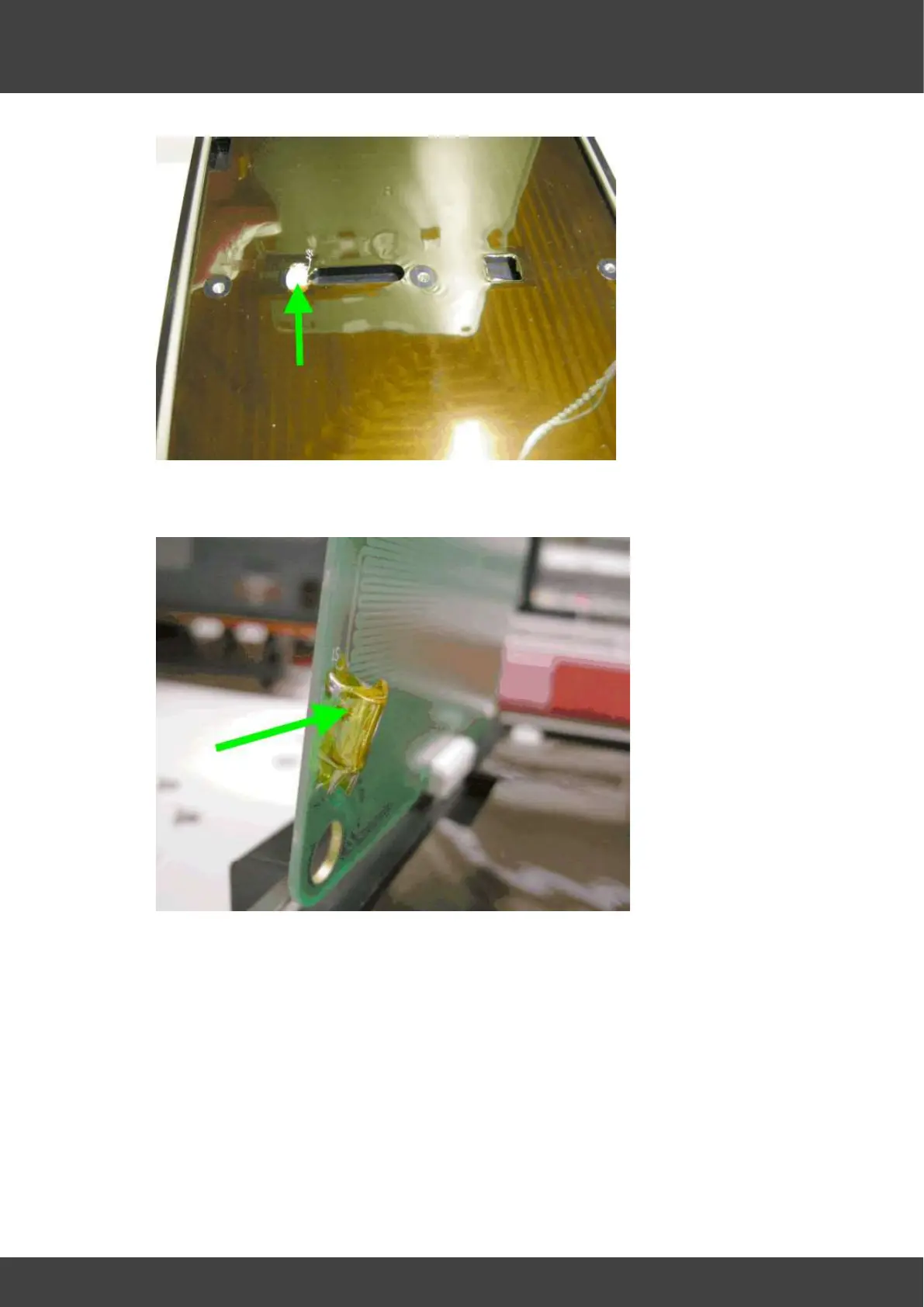
Fig.8 showing thermistor well filled with heat sink compound
10) Check that the tilt switch mounted near the edge of the replacement heater board is
insulated with kapton tape, see Fig.9
Fig.9 Kapton insulation tape surrounding tilt switch
11) Whilst holding the replacement board at right angles to the top heater plate, insert
the FCC cable into its connector and clamp it into position by operating the
connector locking mechanism.
12) Place the cable support bar in the cavity below the FCC connector and then carefully
lower the heater board into position whilst feeding the FCC cable slack back through
the hinge channel. At the same time, ensure the heater plate thermistor remains at
right angles to the circuit board as it is immersed into the heat sink compound.
13) If the FCC cable is the old style (without kapton covering the braid & tinned copper
tab) as shown in step 2, replace with new one as shown in fig.10


 To Next Page