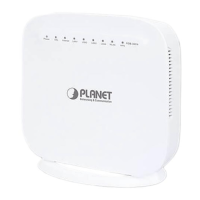
User Manual of VDR-301N
4.2 Configuring with Web Browser
It would be better to change the administrator password to safeguard the security of your network. To
configure the router, open your browser, type “http: //192.168.1.1” into the address bar and click “Go” to get
to the login page.
Save this address in your Favorites for future reference.
Figure 4-9 Login the Router
At the User Name and Password prompt, type your proper user name and password to login. The default user
name and password are both “admin. You can change these later if you wish. Click “OK”
.
Figure 4-10 Login Window
If the user name and password are correct, you will log in to VDSL2 Router successfully and see the status
page. Now you can configure the VDSL2 Router for your needs.



 To Next Page