User Manual of VDR-301N
5.1 Status
In the navigation bar, choose Status. On the Status page that is displayed contains: Device Info and
Statistics.
5.1.1 Device Information
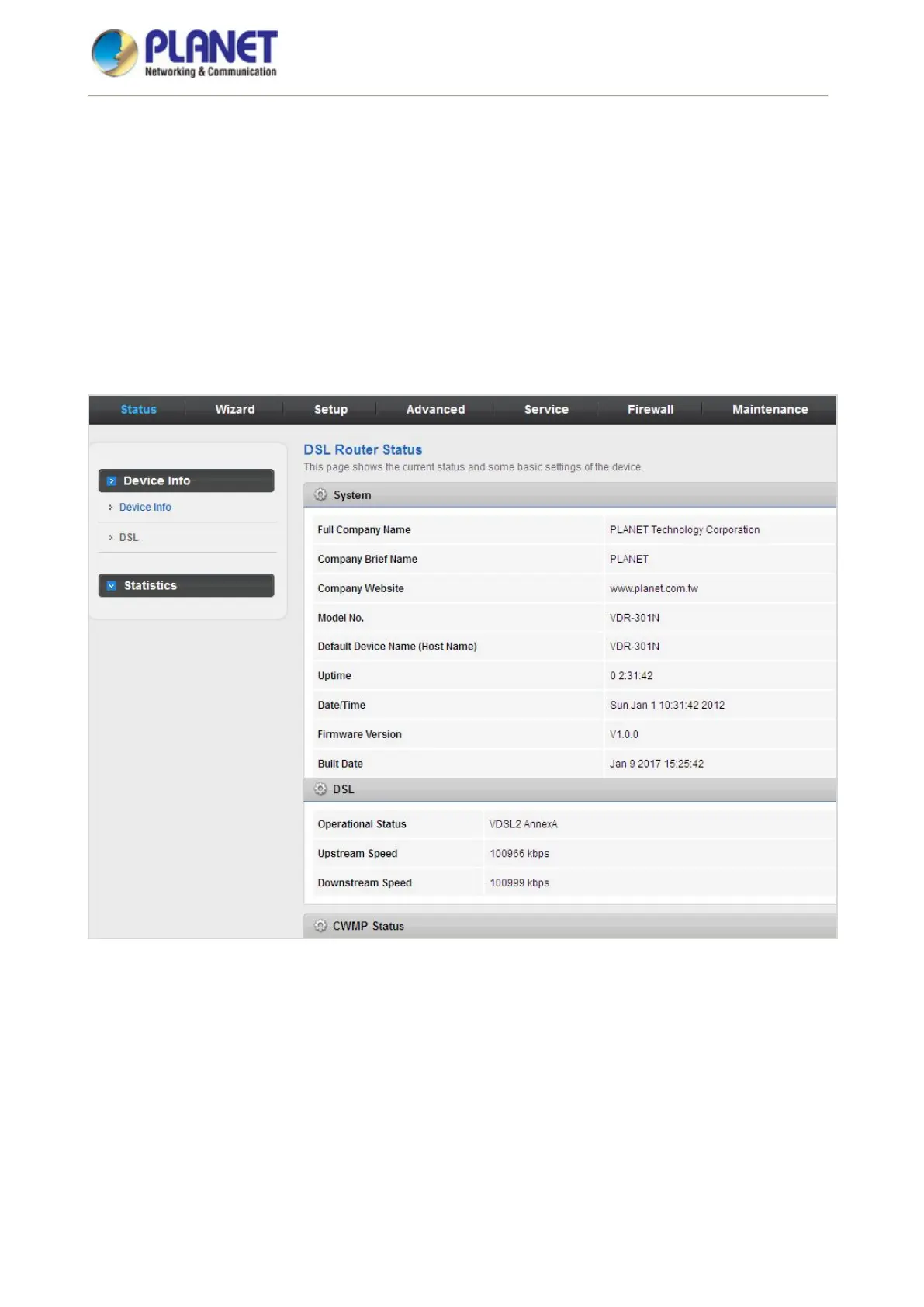
Choose Status > Device Info and the page displayed shows the current status and some basic settings of the
router, such as software version, DSL status, CWMP status, LAN configuration, DNS status and WAN
interfaces.
Figure 5-2 Device Info
5.1.2 DSL
Choose Status > DSL and the page displayed shows the current DSL status.














 To Next Page