User Manual of VDR-301N
User Name The connection username provided by TR-069 service.
Password
The connection password provided by TR-069 service.
Debug
Show Message Select Enable to display ACS SOAP messages on the serial console.
CPE sends GetRPC
Select Enable to enable the router to contact the ACS to obtain
configuration updates.
Skip MReboot
Specify whether to send an MReboot event code in the inform
message.
Delay Specify whether to start the TR-069 program after a short delay.
Auto-Execution
Specify whether to automatically start the TR-069 after the router is
powered on.
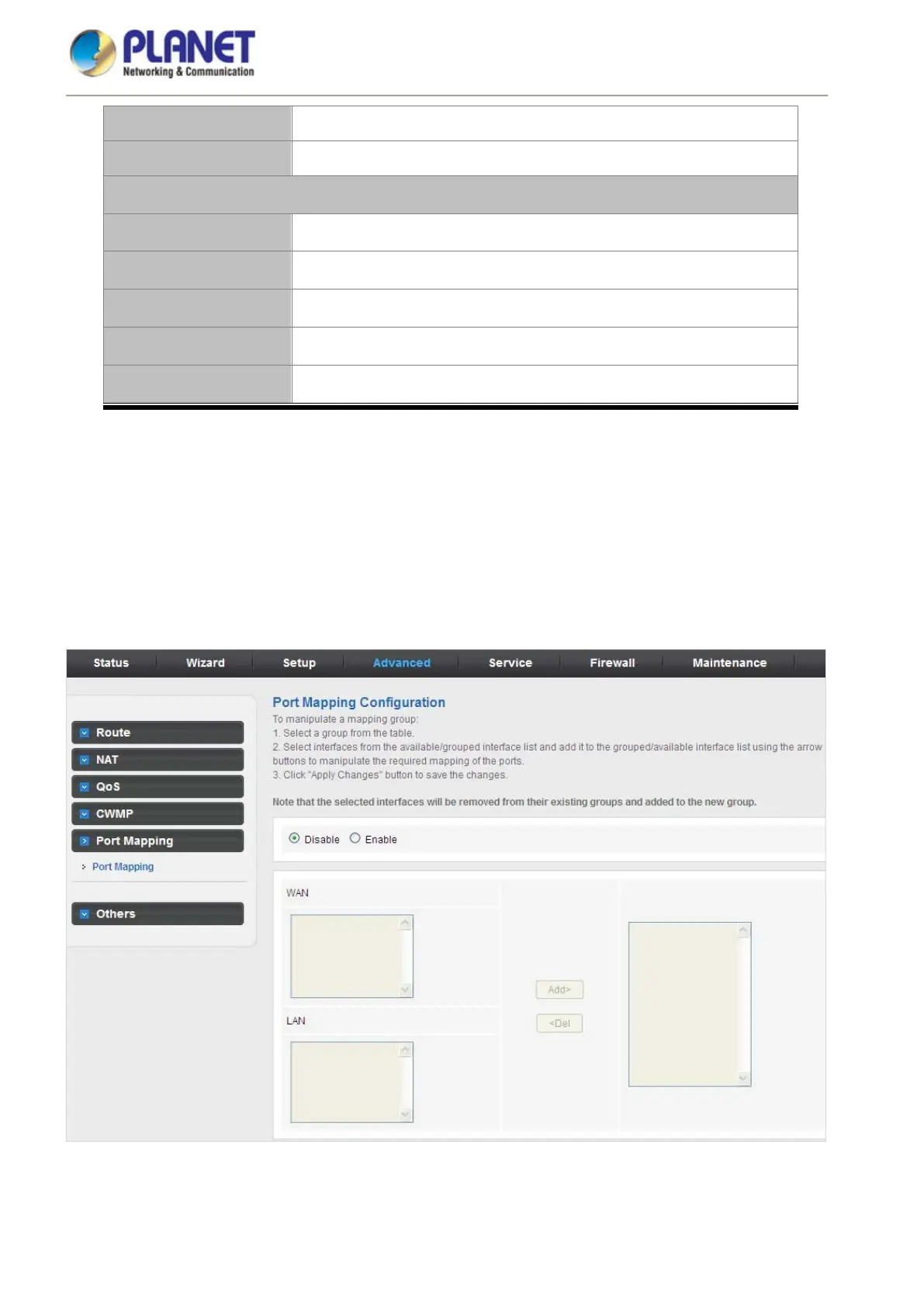
5.4.5 Port Mapping
The VDR-301N provides multiple interface groups. Up to five interface groups are supported including one default
group. The LAN and WAN interfaces could be included. Traffic coming from one interface of a group can only be
flowed to the interfaces in the same interface group. Thus, the VDR-301N can isolate traffic from group to group
for some applications. By default, all the interfaces (LAN and WAN) belong to the default group, and the other four
groups are all empty. It is possible to assign any interface to any group but only one group.
Figure 5-56 Port Mapping














 To Next Page