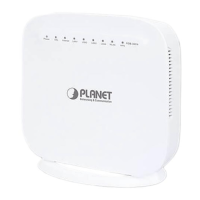
User Manual of VDR-301N
5.2 Wizard
When subscribing to a broadband service, you should be aware of the method by which you are connected to
the Internet. Your physical WAN device can be either Ethernet or RJ11 port. The technical information about
the properties of your Internet connection is provided by your Internet Service Provider (ISP). For example,
your ISP should inform you whether you are connected to the Internet using a static or dynamic IP address,
and the protocol that you use to communicate on the Internet.
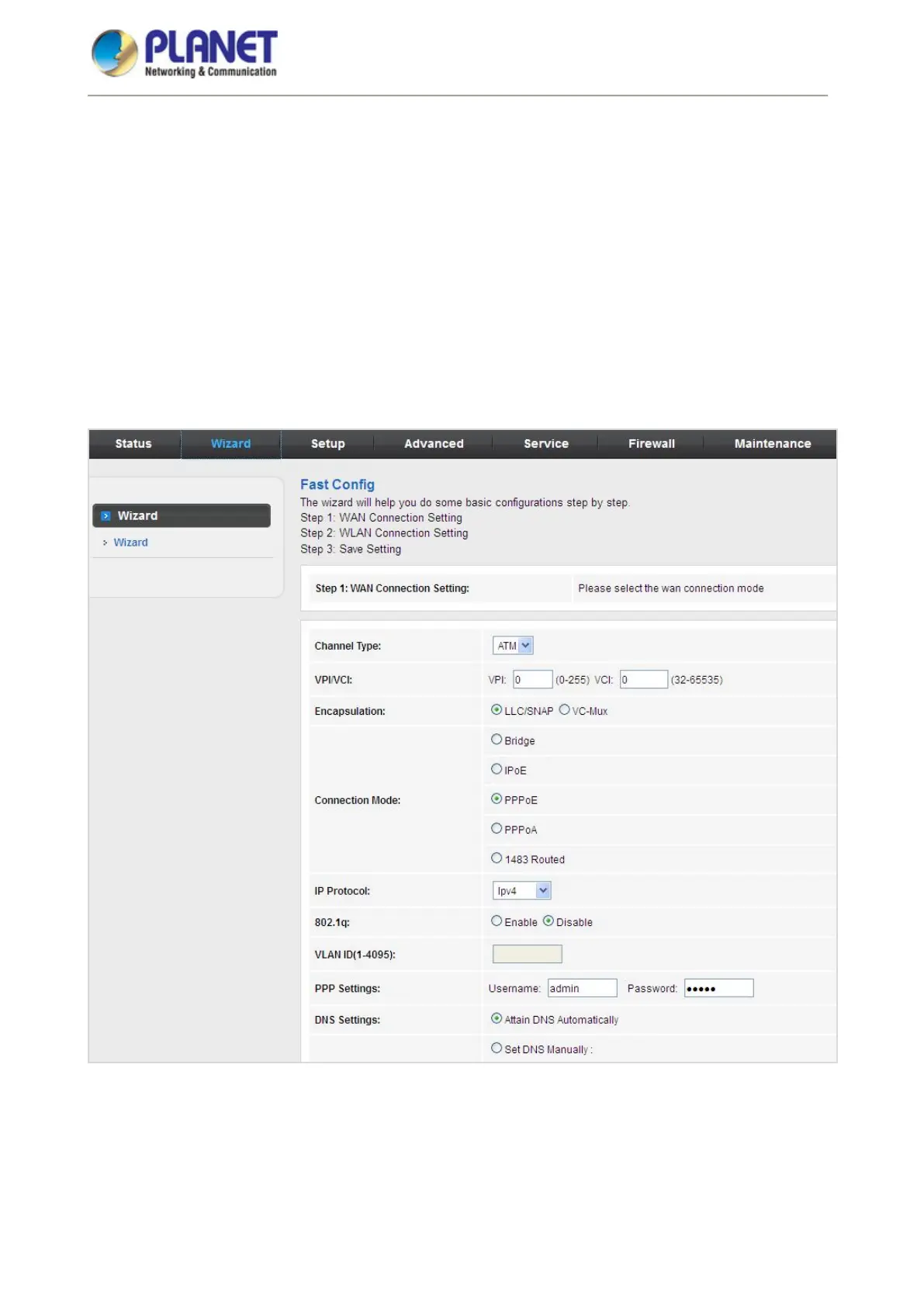
In the navigation bar, choose Wizard. The page shown in the following figure appears. The Wizard page
guides fast and accurate configuration of the Internet connection and other important parameters. The
following sections describe these various configuration parameters. Whether you configure these parameters
or use the default ones, click NEXT to enable your Internet connection.
Figure 5-5 Wizard
There are two channel types, ATM or PTM and five connection modes: Bridge, IPoE, PPPoE, PPPoA and
1483 Routed. The following describes them respectively.



 To Next Page