User Manual of VDR-301N
5.6.4 ACL
5.6.4.1 ACL
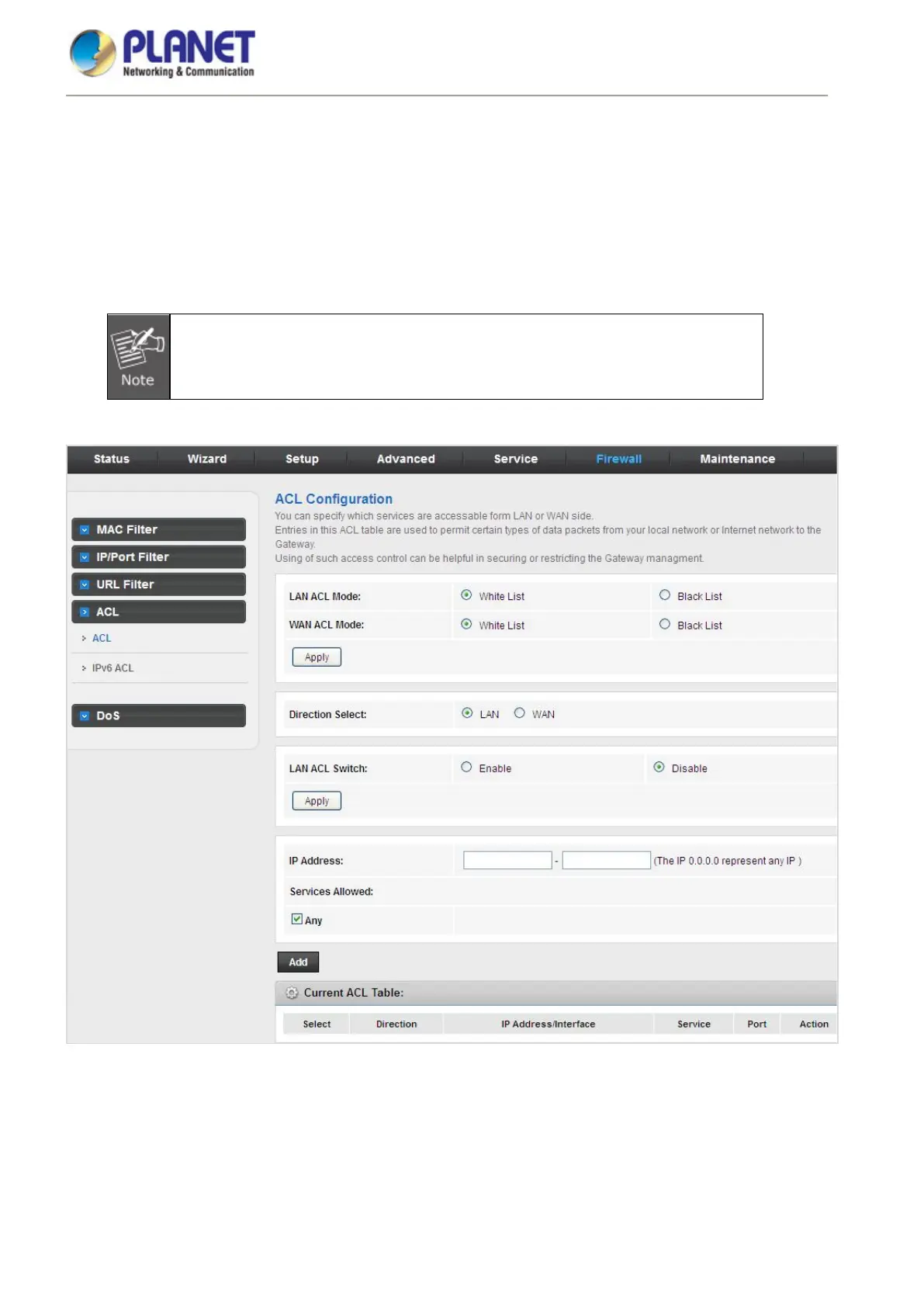
Choose Service > ACL and the page shown in the following figure appears. On this page, you can permit the
data packets from LAN or WAN to access the router. You can configure the IP address for Access Control List
(ACL). If ACL is enabled, only the effective IP address in the ACL can access the router.
If you select Enable in ACL capability, ensure that your host IP address is in ACL list
before it takes effect.
Figure 5-74 ACL














 To Next Page