User Manual of VDR-301N
5.7.2 Password
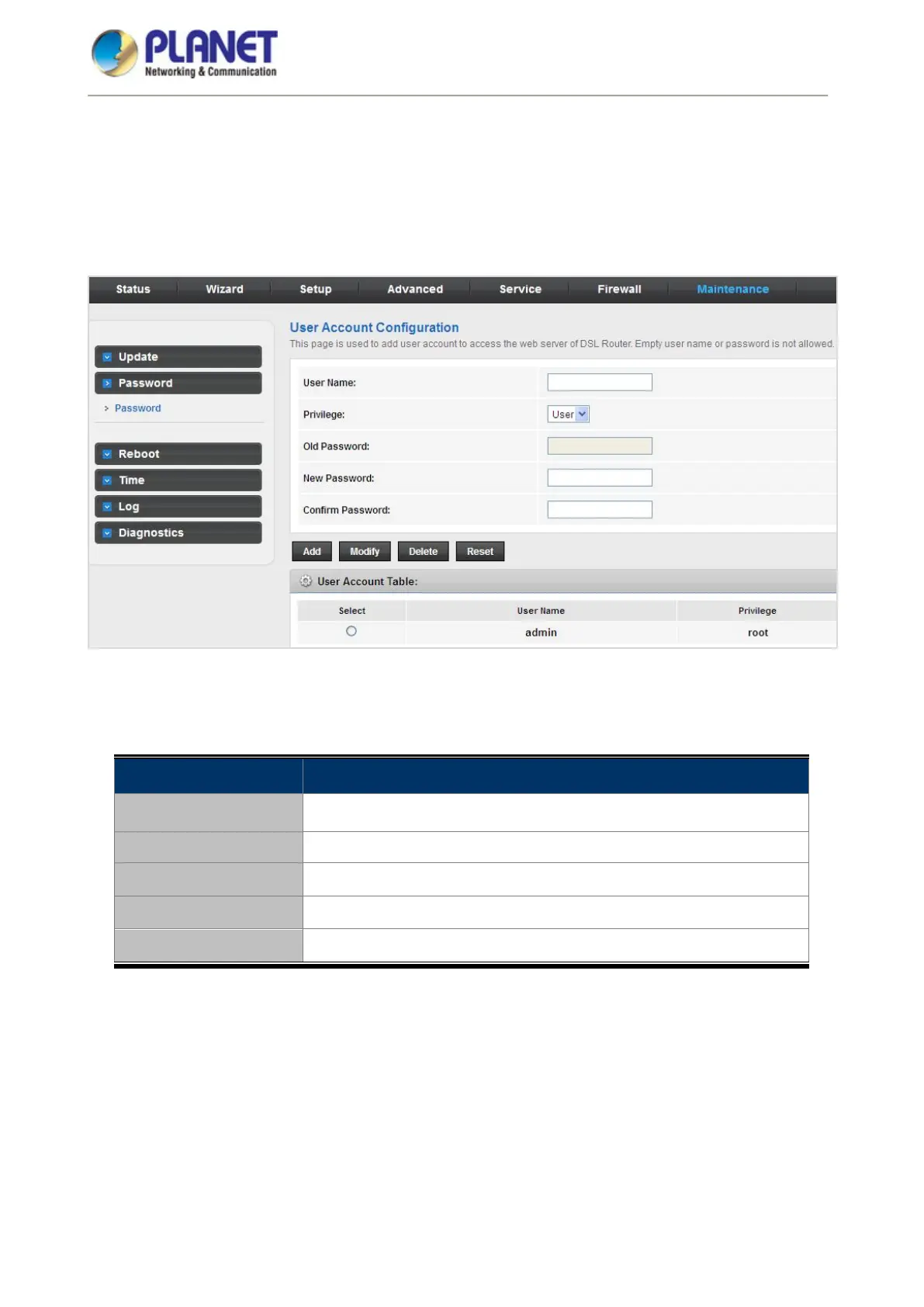
Choose Maintenance > Password and the page shown in the following figure appears. By default, the user
name and password of the administrator are admin and admin respectively. The user name and password of
the common user are user and user respectively.
Figure 5-81 Password
The following table describes the parameters:
Field Description
User Name
Choose the user name for accessing the router. You can choose admin
or user.
Privilege Choose the privilege for the account.
Old Password Enter the old password
New Password Enter your new password to which you want to change.
Confirmed Password For confirmation, enter the new password again.














 To Next Page