User Manual of VDR-301N
5.7.1.2 Backup/Restore
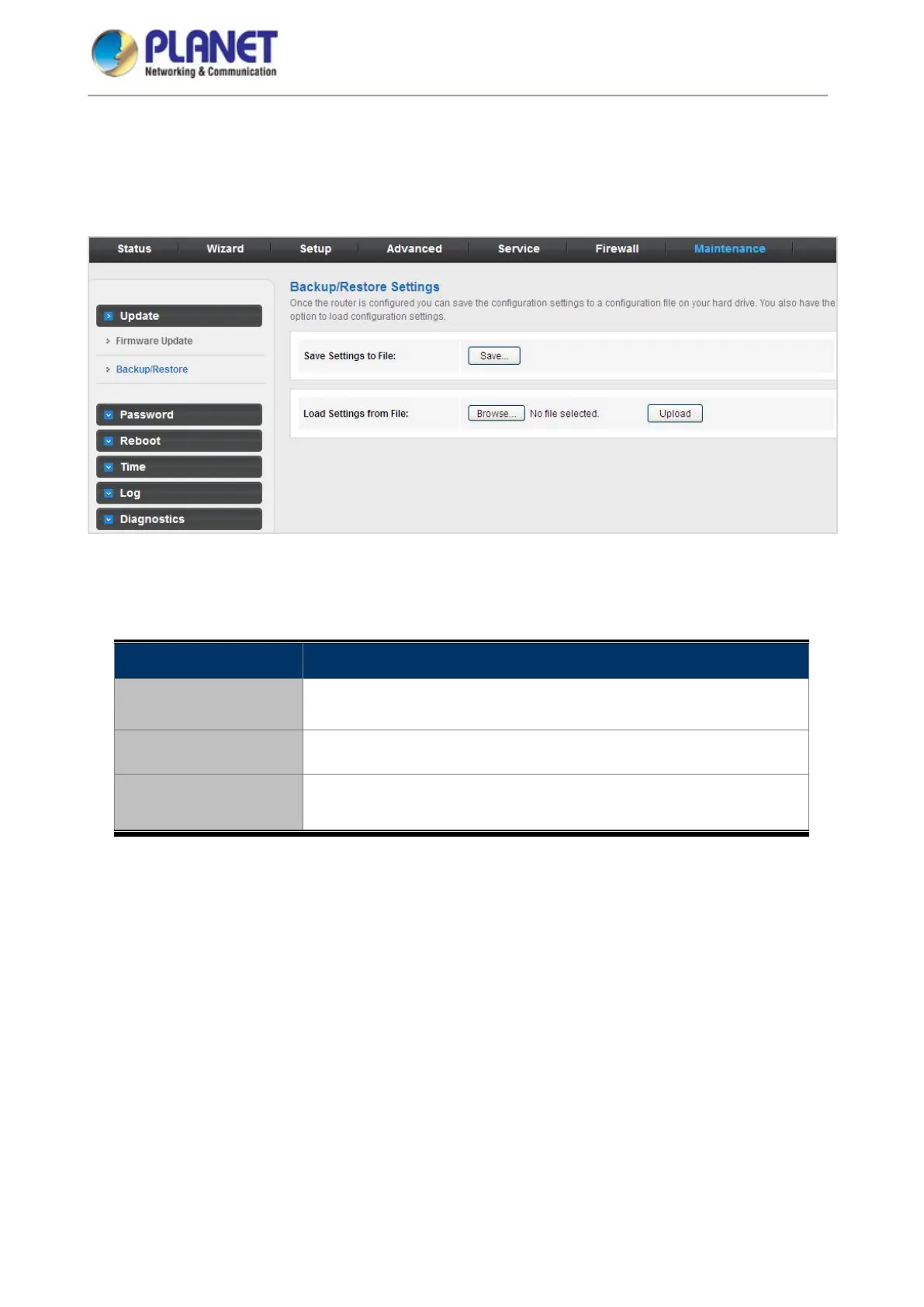
Click Backup/Restore in the left pane and the page shown in the following figure appears. You can back up
the current settings to a file and restore the settings from the file that was saved previously.
Figure 5-80 Backup/Restore
The following table describes the parameters:
Field Description
Save Settings to File
Click it and select the path. Then you can save the configuration file of
the router.
Load Settings from File Click Browse or Choose File to select the configuration file.
Upload
After selecting the configuration file of the router, click Upload to start
uploading the configuration file of the router.














 To Next Page