User Manual of VDR-301N
5.3.2.3 DHCP Static
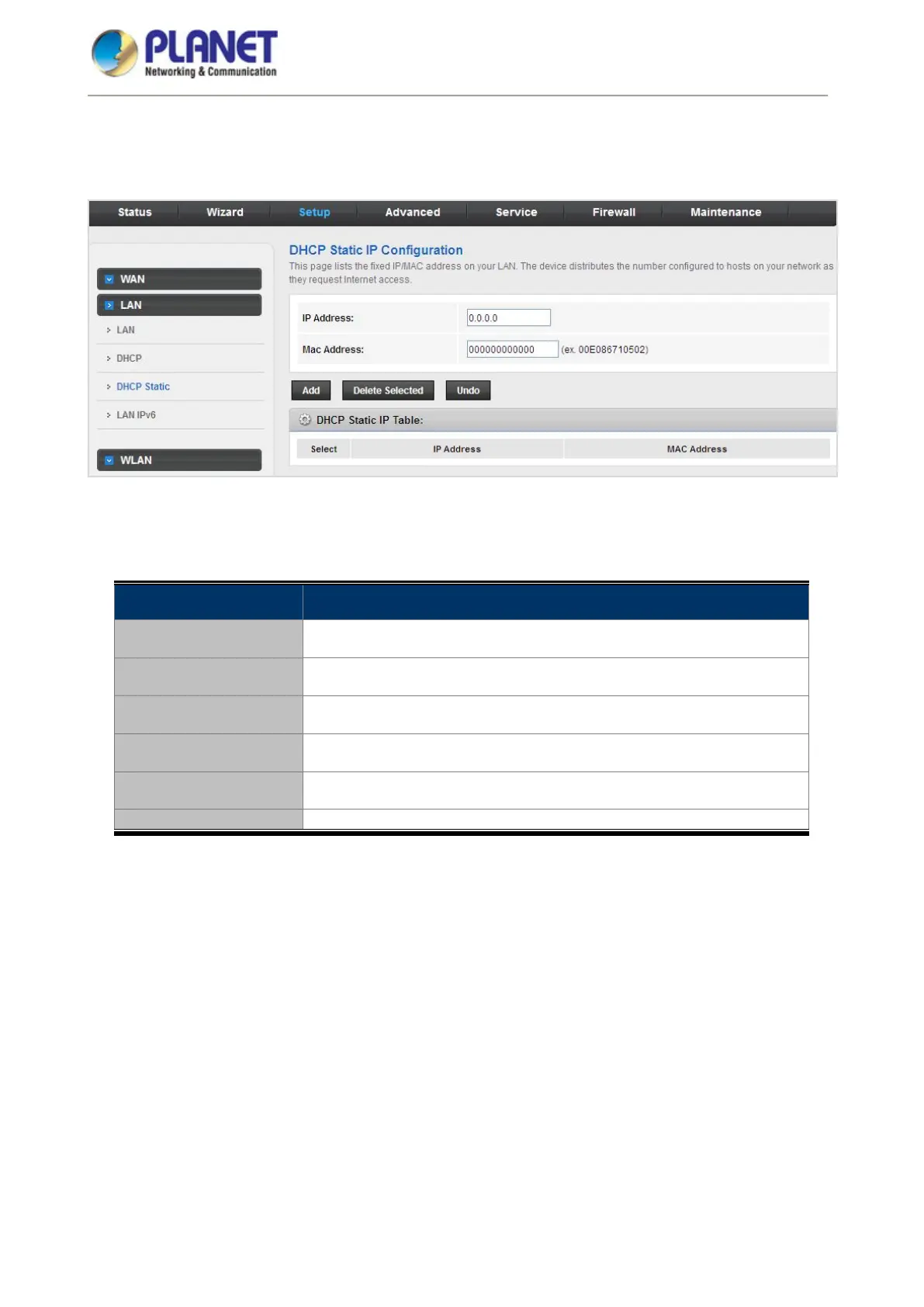
Click DHCP Static in the left pane and the page shown in the following figure appears. You can assign the IP
addresses on the LAN to the specific individual PCs based on their MAC address.
Figure 5-31 DHCP Static
The following table describes the parameters:
Field Description
IP Address
Enter the specified IP address in the IP pool range, which is assigned to
the host.
MAC Address Enter the MAC address of a host on the LAN.
Add
After entering the IP address and MAC address, click it. A row will be
added in the DHCP Static IP Table.
Delete Selected
Select a row in the DHCP Static IP Table; then click it and this row is
deleted.
Undo Click it to refresh this page.
It shows the assigned IP address based on the MAC address.














 To Next Page