User Manual of VDR-301N
5.5.3.1 DNS
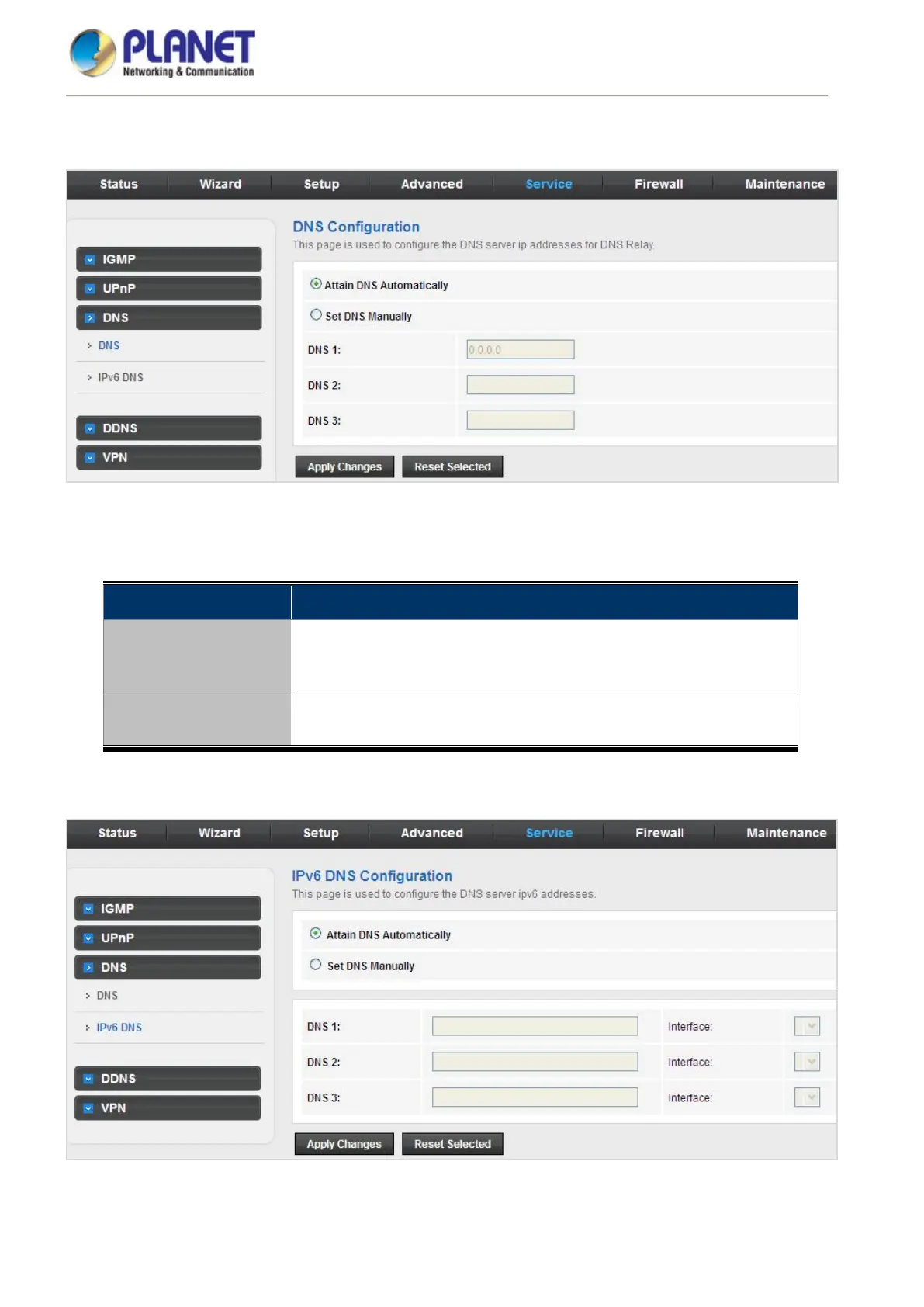
Click DNS in the left pane and the page shown in the following figure appears.
Figure 5-66 DNS
The following table describes the parameters:
Field Description
Attain DNS
Automatically
Select it, and the router accepts the first received DNS assignment from
one of the PPPoA, PPPoE or MER enabled PVC(s) during the
connection establishment.
Set DNS Manually
Select it to enter the IP addresses of the DNS 1, DNS 2, DNS 3, servers
manually.
5.5.3.2 IPv6 DNS
Figure 5-67 IPv6 DNS














 To Next Page