User Manual of VDR-301N
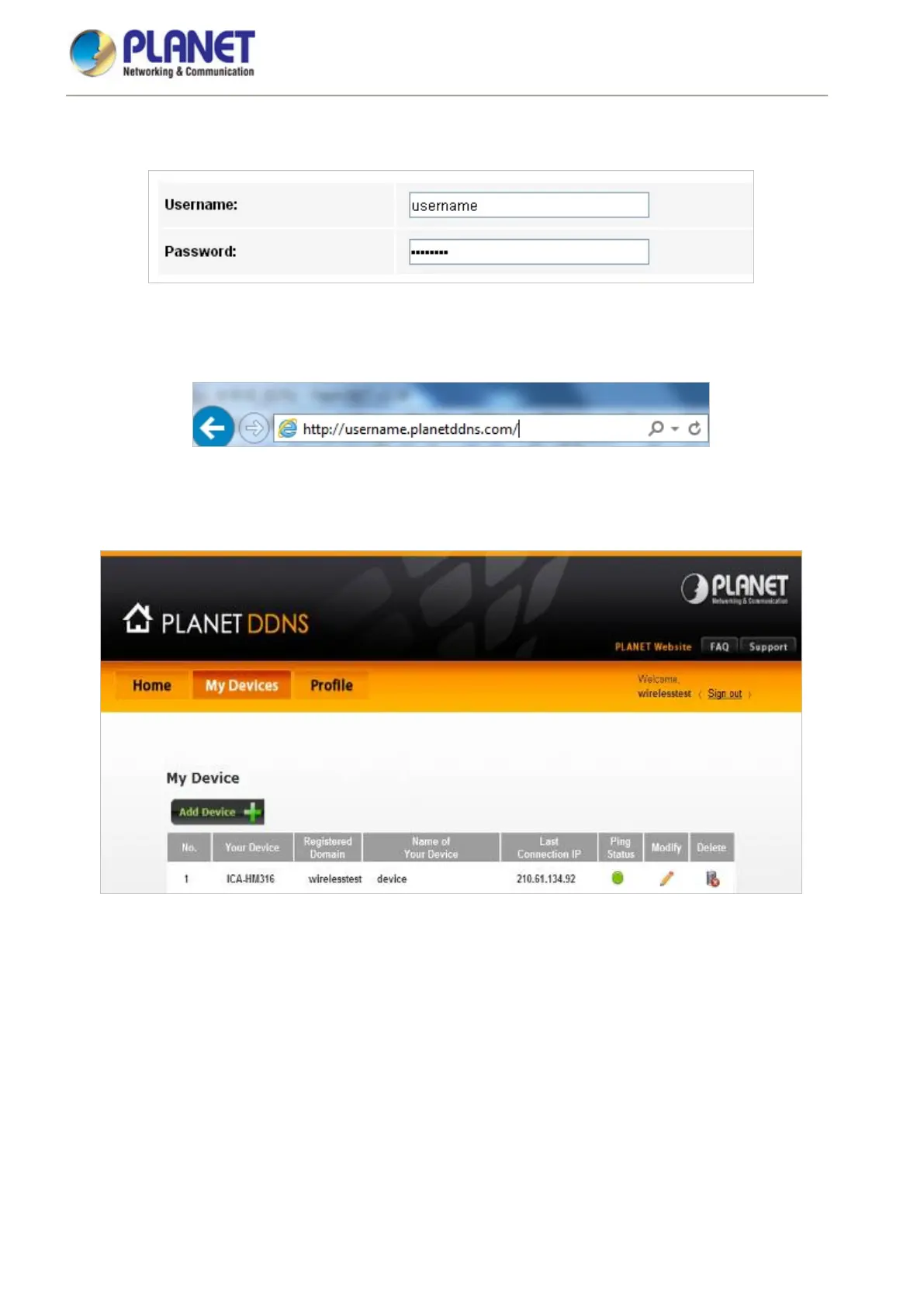
Step 2. Type the User Name for your DDNS account.
Step 3. Type the Password for your DDNS account.
Apply the settings and ensure you have connected the WAN port to the Internet. In a remote device, enter the
Domain Name to the internet browser’s address bar.
You can go to My Devices page of Planet DDNS website to check if the “Last Connection IP” is displayed. This
indicates your DDNS service is working properly.














 To Next Page