Chapter E - DIMAX3 DIGITAL SYSTEM ADJUSTMENT
E-6 Planmeca Proline CC panoramic x-ray
Technical Manual
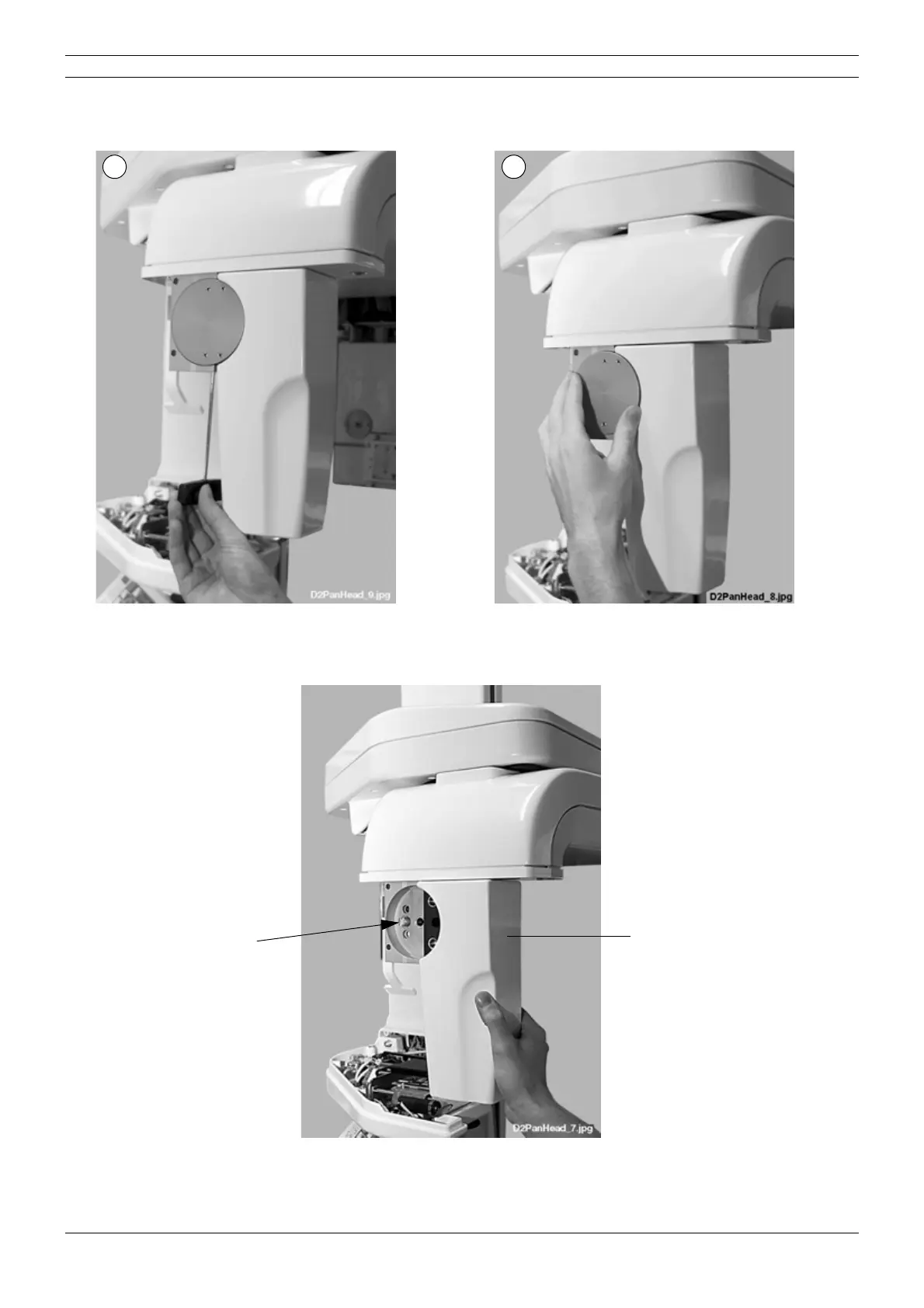
Loosen the lock disc attachment screw with the 3mm allen key (Fig. 4, 1) and remove the lock
disc from the adapter (Fig. 4, 2).
Figure 4
Loosen the button axle attachment screw and push the button axle inwards and remove the sen-
sor head from its adapter.
Figure 5
The sensor alignment tool can now be attached to the adapter pins.
1 2
Sensor head
Button axle



 To Next Page