Chapter E - DIMAX3 DIGITAL SYSTEM ADJUSTMENT
Planmeca Proline CC panoramic x-ray E-11
Technical Manual
The horizontal sector display will remain empty which indicates that the primary slot number 0
has been selected.
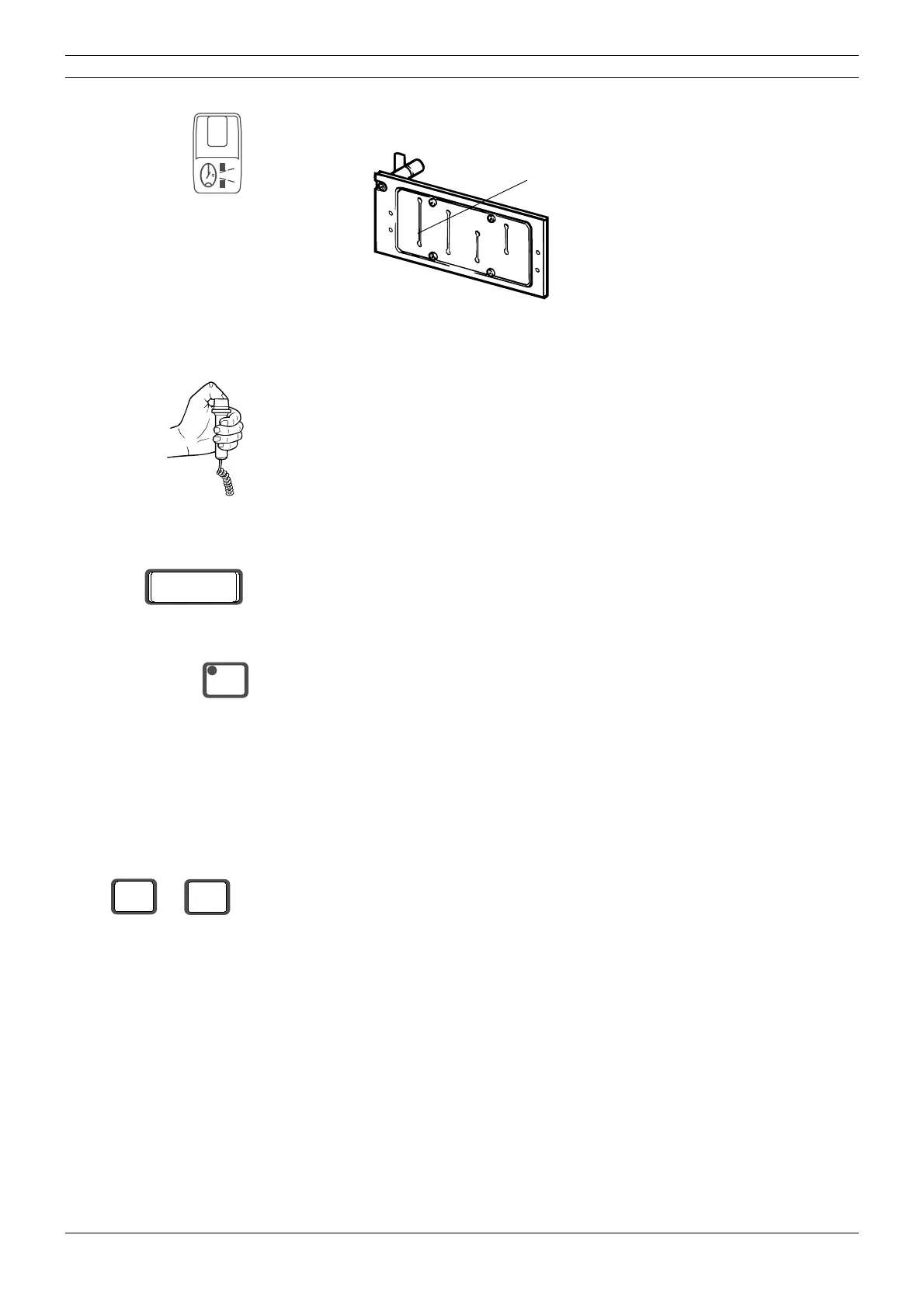
Figure 14
Start to take a test exposure by pressing and holding down the exposure button on the remote
control. Stop pressing the exposure button when the tube head has rotated to a convenient posi-
tion for viewing the sensor head.
An error code will appear on the display and start to flash.
Press the CTL-key to clear the error code.
Enter the service mode (see section “How to enter/exit the service mode” on page B-6). The radi-
ation beam from the first slot can now be checked without the rotating unit moving.
Darken the room sufficiently so that you will be able to see the image of the radiation beam on
the alignment tool (it is fluorescent and will glow when the radiation beam strikes it), but not so
dark that you cannot see the borders of the alignment rectangle.
Select kilovolt and milliampere values high enough to enable the radiation beam to be seen in the
darkened room. The actual values will depend on how dark the room is.
Protect yourself from radiation and press the exposure button. The beam image will appear on
the alignment tool. Observe the beam from behind the tube head.
CAUTION Radiation is generated when the exposure button is pressed. Take adequate protection
measures. Keep the exposure time as short as possible.
Primary slot number 0
Er 00
CTL
kV
68
mA
4



 To Next Page