39
Chapter
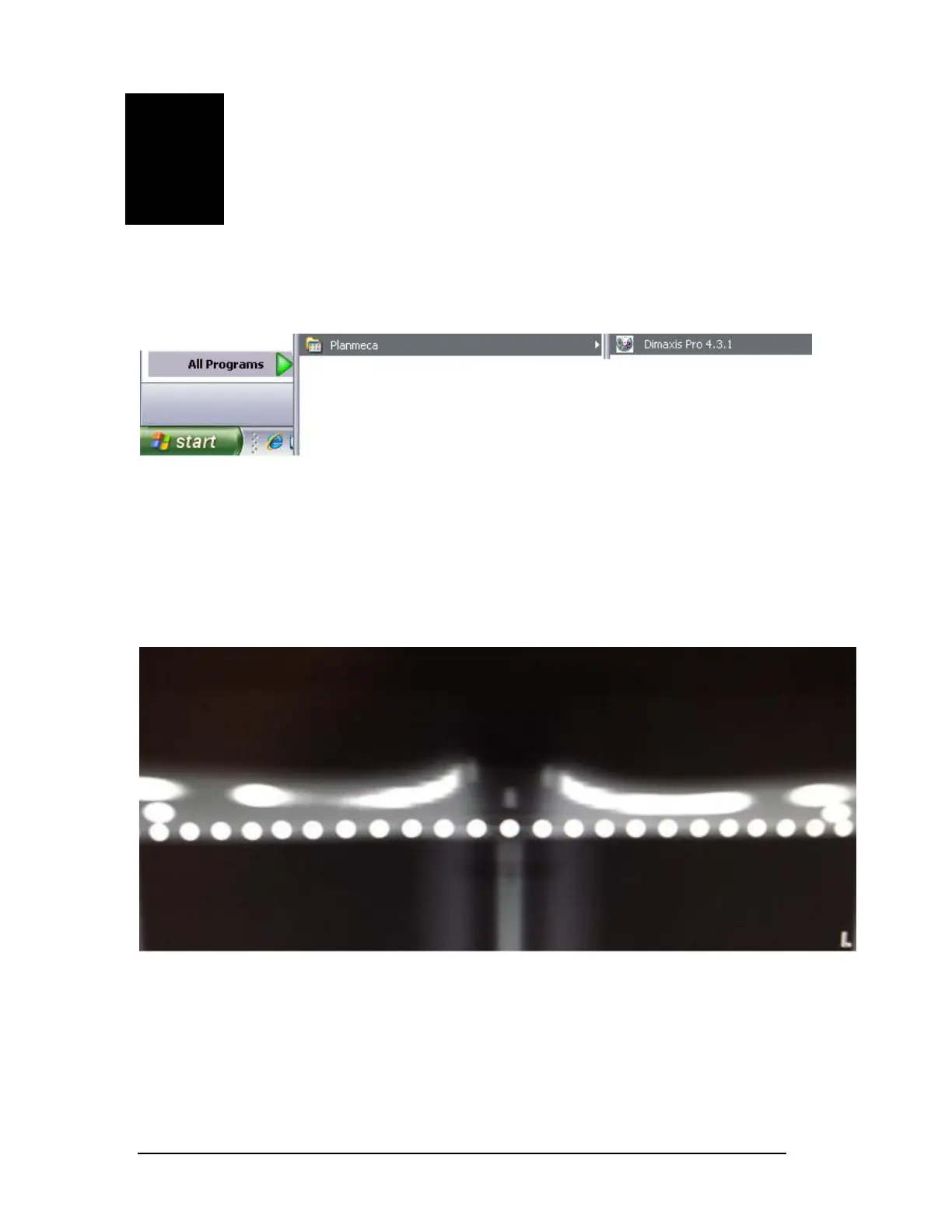
F Ball Phantom Test
1 Dimaxis 4.3.x
C
lick on Start, All Programs, Planmeca, Dimaxis 4.3.x
NOTE: Place the ball phantom into the patient positioning mechanism.
Click OK then click OK again. Select “New” from the bottom of the “Select
Image” screen.
Press the exposure button then press OK once the image is taken to evaluate the
image.
Printed copies of this document are considered uncontrolled.
7535.11.Rev001 08.07.2018














 To Next Page