Section 4. PlexTools Professional Functions
PlexTools Professional Reference Guide 33
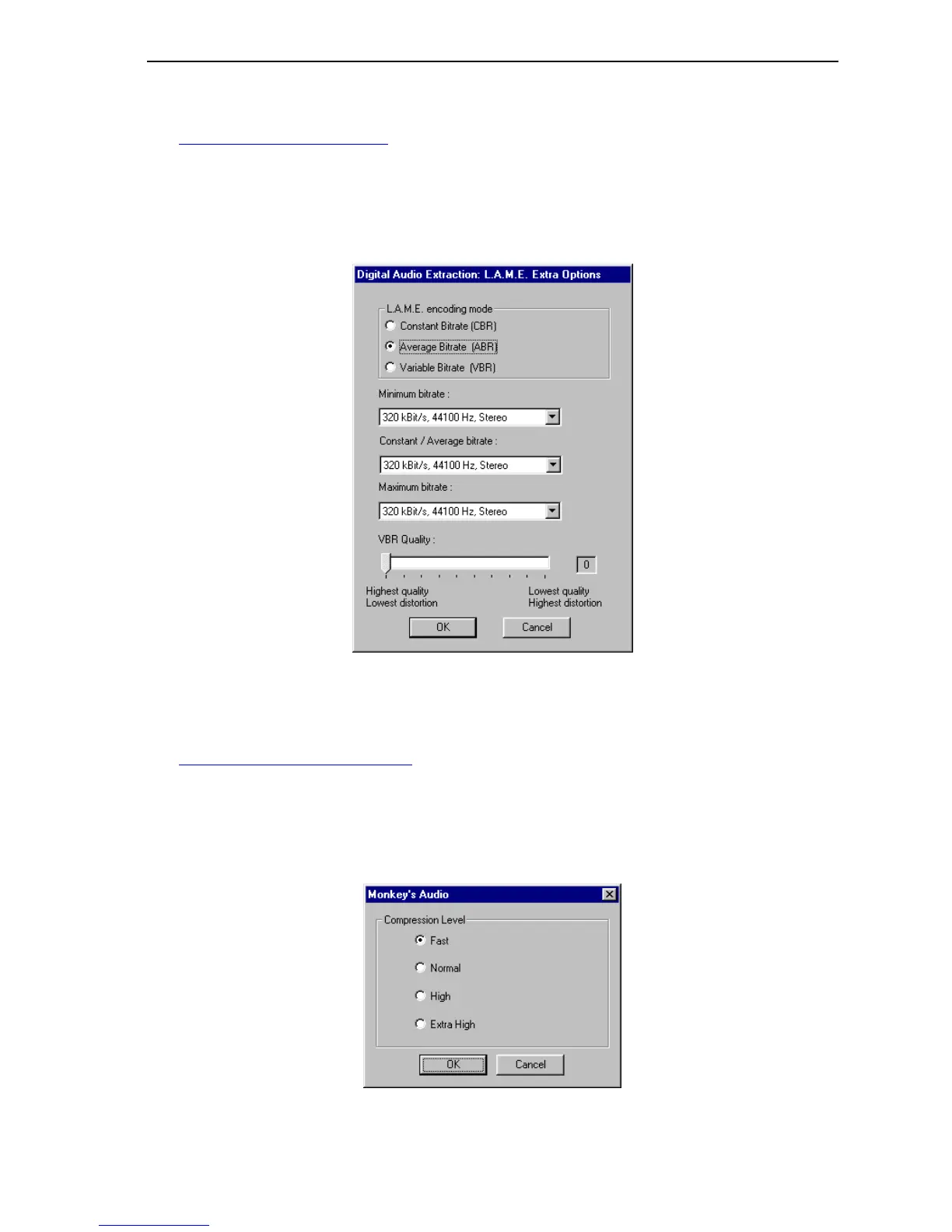
• MP3 (Lame): Select this option if you want to extract to MP3 format using the
Lame Encoder. This is a free MP3 encoder and can be downloaded from:
http://www.mp3-tech.org/
All you need to do is copy the lame_enc.dll to your Windows or PlexTools
Professional directory.
Extra Options: Brings up extra options for this type of digital audio
extraction.
Figure 29: L.A.M.E. Extraction Window
For more information about these settings, please visit the L.A.M.E. web site.
http://www.mp3dev.org/mp3
• Monkey’s Audio: Select this option if you want to extract to *.ape format.
Extra Options: Brings up extra options for this type of digital audio
extraction.
Figure 30: Monkey’s Audio Extraction Window



 To Next Page