Section 4. PlexTools Professional Functions
34 PlexTools Professional Reference Guide
For more information about these settings, please visit the Monkey’s Audio web
site.
http://www.monkeysaudio.com/
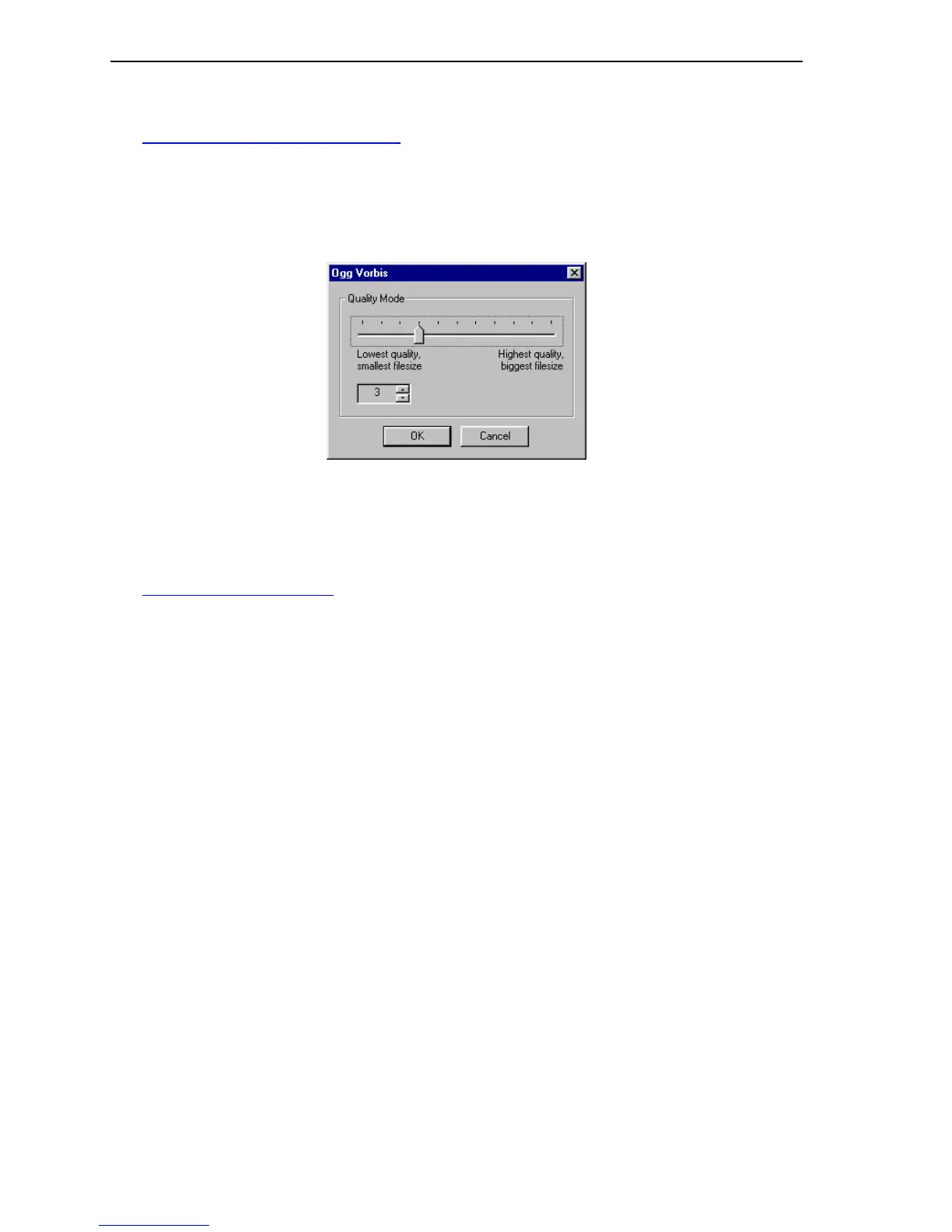
• Ogg Vorbis: Select this option if you want to extract to *.ogg format.
Extra Options: Brings up extra options for this type of digital audio
extraction.
Figure 31: Ogg Vorbis Extraction Window
For more information about these settings, please visit the Ogg Vorbis web site.
http://www.vorbis.com/
Pause
• Check Pause: When enabled, PlexTools Professional will locate the pause
between tracks.
• Include Pause: Includes pause in the audio extraction log file and *.wav file.
The tracks on an audio CD have a small pause to separate the tracks from each other.
The length of this pause is usually 2 seconds. On live music CD’s the length will be
zero to allow the music to play uninterrupted from one track to another.
PlexTools Professional offers the option to include the pause during digital audio
extraction. By default, it is excluded. To include the pause in the audio extraction log
file and *.wav file, you need to enable both Check Pause and Include Pause.



 To Next Page