ADJUSTMENT November 2012
1-94
1.7.5 ADJUSTMENT
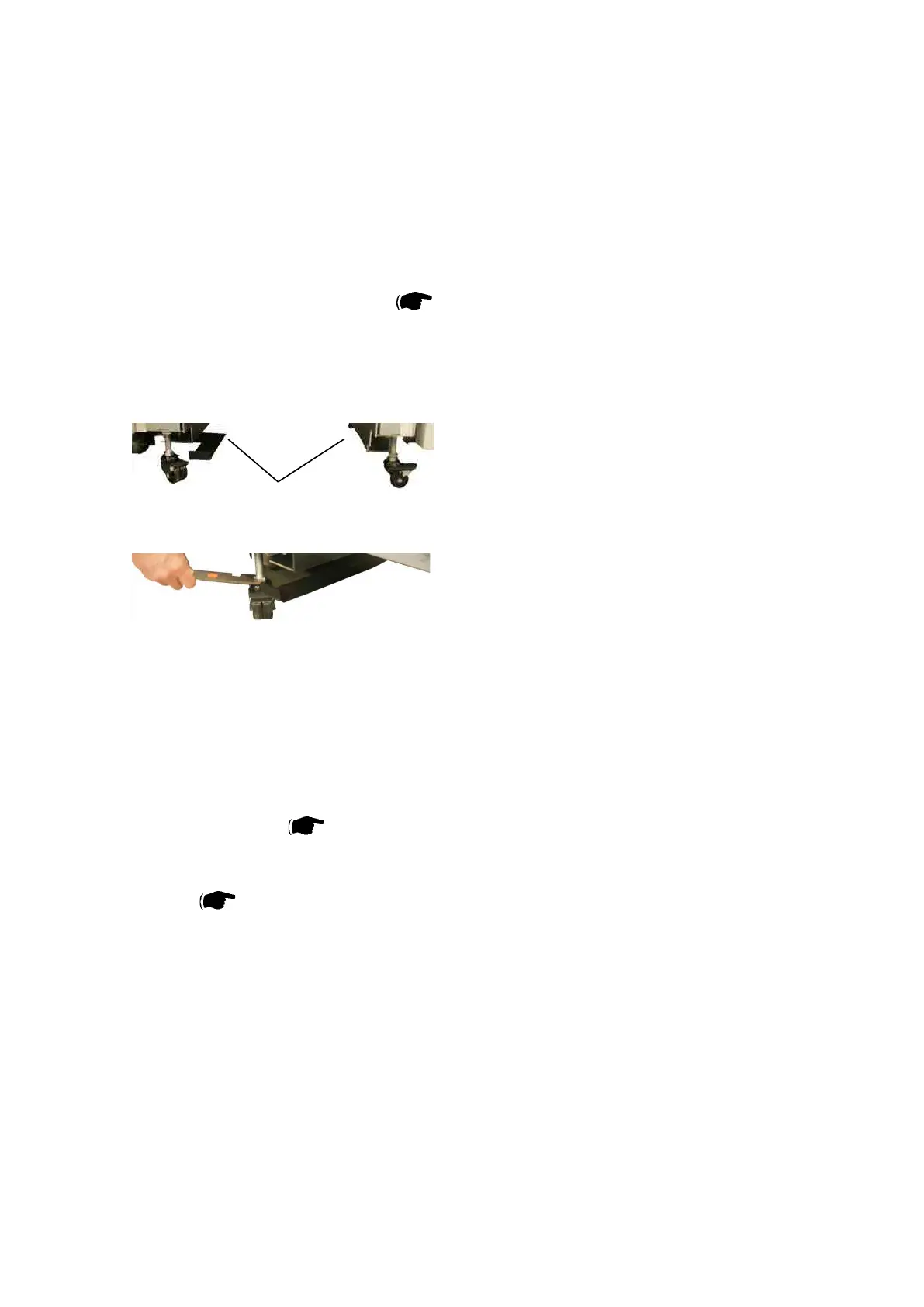
1. Adjust Infeed and Outfeed height before docking CT5030 to Printer and Booklet Maker. Turn
casters Rear (x2) and Front (x2) [A].
Adjust casters using the Multi tool.
Turn Clockwise to raise CT5030 and CCW to lower.Ensure that gaps in-between covers are paral-
lel after docking. (Docking Latch(es)) ( CT5030 Servicemanual REP 3.4).
Note: When adjusting the casters on the CT 5030 do not turn each caster more than 2 full revolu-
tions before adjusting the other casters.
2.CheckthatthereisnointerferencebetweentheCT5030infeedbafeandthenisheroutfeed.
3.CheckthatthealignmentbetweentheCT5030ExitBafeandtheBookletMakerInfeedBafe
is adequate. This can be done with the help of a ruler or a piece of paper. Raise or lower rear and
/ or front set of casters as needed. Raise / lower casters equally.
4. Perform Front / Rear adjustment of Infeed docking bracket.
The center of sheets entering from the printer should hit 232 ± 3 (9.1”±0.12”) mm from inner side
of Out Board Frame. ( CT5030 Servicemanual REP 3.4.2 Docking bracket Infeed).
5. Perform Front / Rear adjustment of Outfeed Docking bracket.
The sheets should hit symmetrical in-between side jogger rails in the Booklet Makers compiler
section. ( CT5030 Servicemanual REP 3.4.3 Docking bracket Outfeed. )
6. Make sure that the CT 5030 Front Covers are aligned and parallell with the Finisher.
[A]



 To Next Page