1-22
November 2012
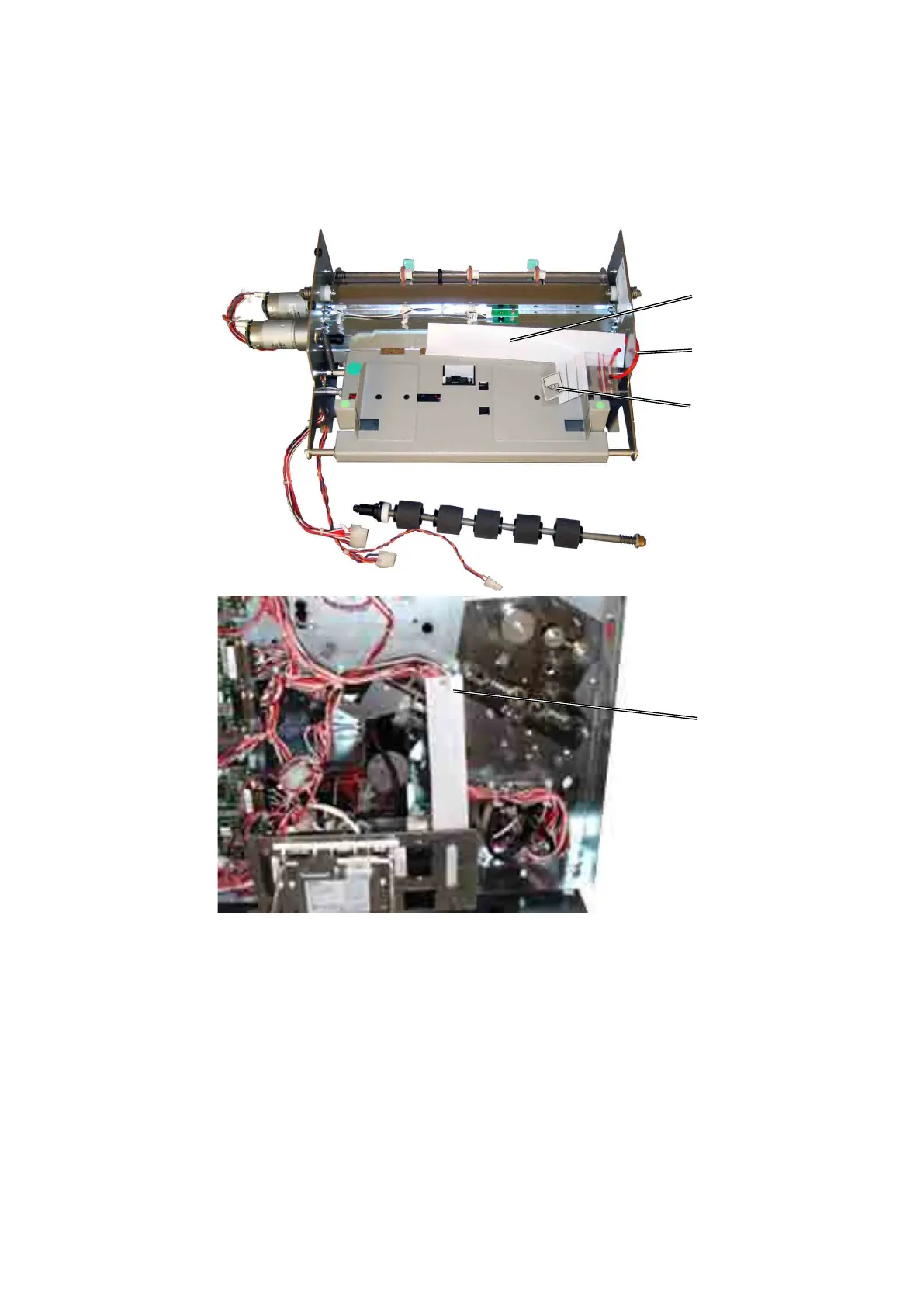
COVER FEEDER INSTALLATION
1.4.2 INSTALLATION PROCEDURE
Unpacking
1. Remove all parts from the box.
2. Cut the cable tie [A] to release the paper bin, self adhesive label [B] and DSD
Calibration strip [C].
3. Discard the self adhesive label [B].
4. Place the DSD Calibration strip on the cable holder [C] behind the Booklet
Maker rear cover.
[B]
[C]
[A]
[C]



 To Next Page