November 2012 CHECK INSTALLATION
1-95
1. Switch on the CT5030’s power.
Note: CT 5010 / 5030 are identied and installed in the system upon Power On.
To uninstall CT 5010:
- Enter the Service Program Mode
- Select CT 5010 Services
- Set Installed to No
To uninstall CT 5030:
- Enter BK 5030 Servce Components chapter BK5030 chapter 5.5.1.
- Change CT 5030 Installed from Yes to No
2. Refer to the s/w release Document and ensure that the CT s/w is at appropriate level.
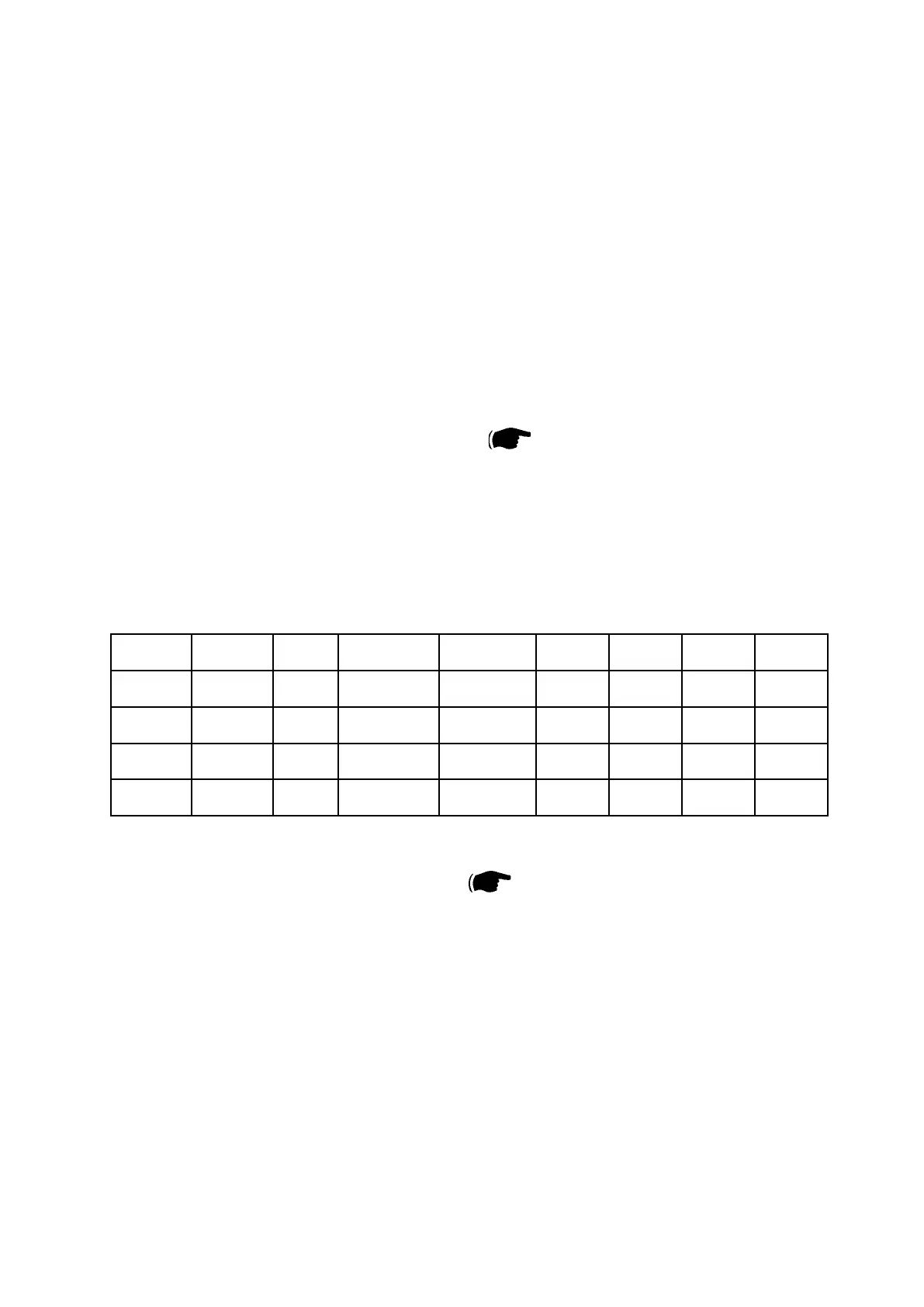
3. Run test jobs according to below Table, save all the Boklets.
Paper Size # of sheets # of sets Paper Weight Size Image
Offset
Crease
Tool
Crease
Offset
SQF
SRA3 /
12x18
1 10 120 gsm SRA3T /
12x18T
0 Fine 0 Auto
SRA3 /
12x18
1 10 220 gsm SRA3T /
12x18T
0 Coarse 0 Auto
SRA4 /
9x12
4 10 90 gsm SRA4T /
9x12T
0 Fine 0 Auto
SRA4 /
9x12
1 10 280 gsm SRA4T / 9x12T 0 Coarse 0 Auto
4. Inspect the output. To correct any issues CT5030 Service manual section 3.
Re-run jobs jobs after adjustments and check output Quality.
1.7.6 CHECK THE INSTALLATION



 To Previous Page