1-66
November 2012
RCT
Installation
ROTATOR CREASER TRIMMER INSTALLATION
1. Install BK5030. ( 1.3 on page 1-5)
2. Ensure that sofware in BK5030 is of version 2.00 or higher.
Download the latest software from http://www.plockmatic.se/customer-centre using
your personal log-in information.
3. Turn off the Booklet Makers power.
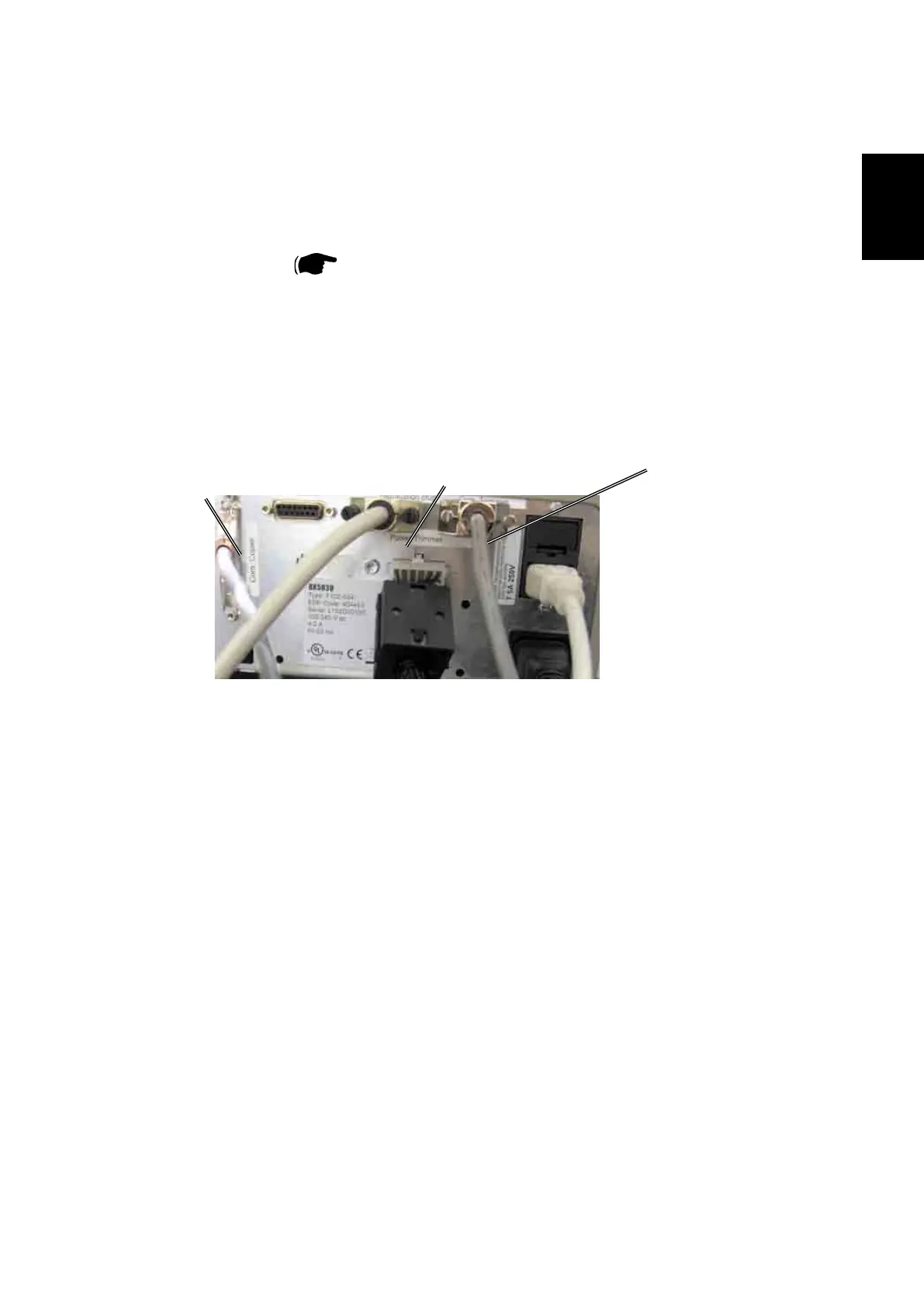
4.DisconnecttheCommunicationcablefromthenisherfromtheBookletMaker,
the Communication cable will later be connected to the CT 5030.
5. Undock Booklet Maker and make space for the CT 5030.
Install 2pcs. of Rail extensions (Step 6-10), if applicable.
If not applicable proceed to step 11.
CAN to Trimmer
Communicationcablefromthenisher
CAN Termination plug
Preparations
1.7.2 INSTALLATION PROCEDURE



 To Next Page