1-43
November 2012
TRIMMER INSTALLATION
1.5.6 CHECK THE INSTALLATION
1. If installing a Book Folder BF5030 continue to section ( 1.6 on page
1-48) otherwise continue with step 2.
2. Turn on the power for the Booklet maker.
NOTE:Makesurethatthenisherconnectorisconnectedtothecopier.
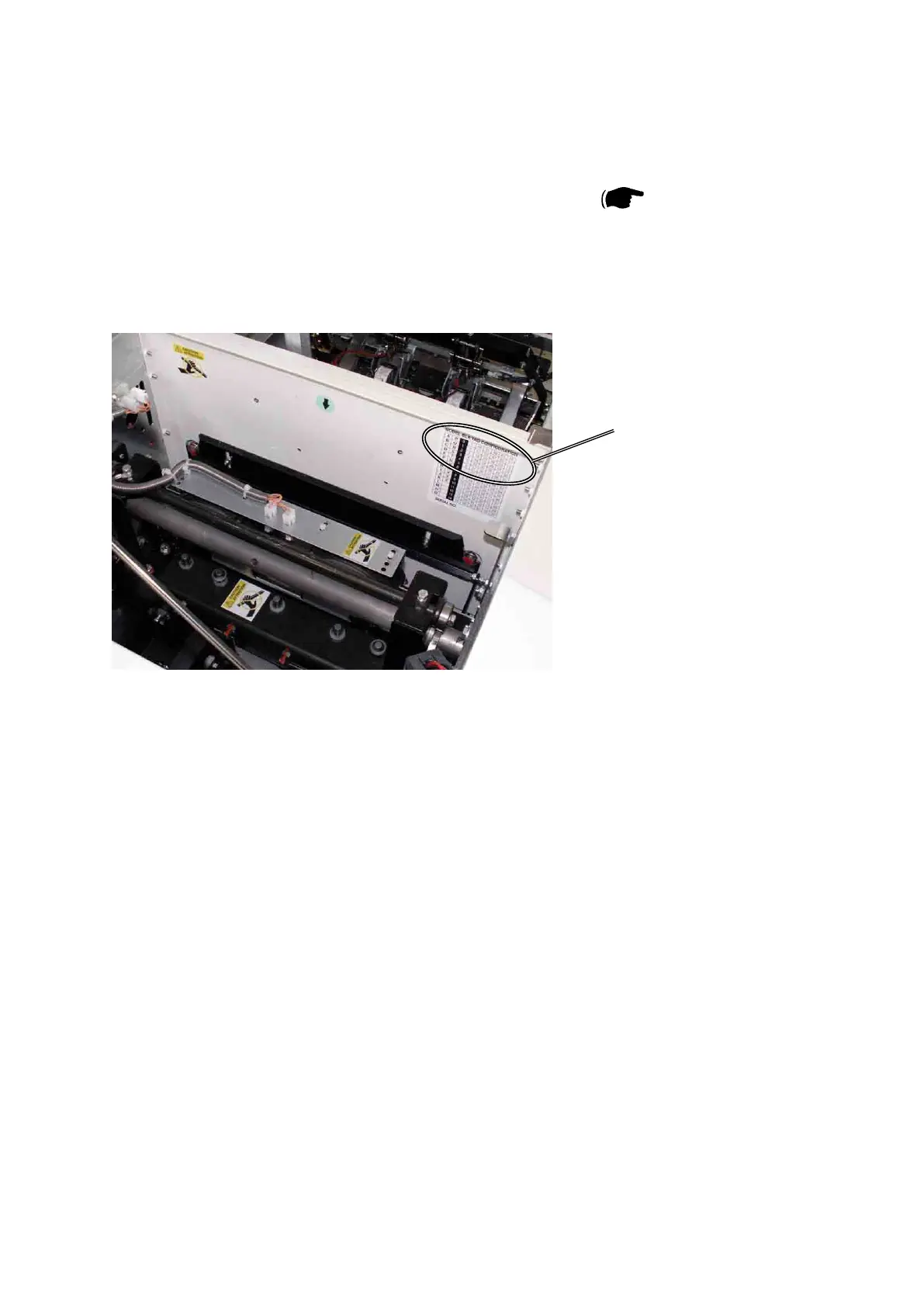
3. In the Trimmer, check the Index 16 value [A].
4. Press the [Tools] button and then the [Service] button.
5. Key in password 107 and press the [OK] button.
6. Select BK5030 and press the [Enter] button.
7. Select NVM and press enter.
8. Scroll to INDEX 16. TRKnife Zero.
9. Press the [+] or [-] buttons to enter value [A].
10. Press the [OK] button.
11. Press the [Exit] button once.
Trimmer interior towards Booklet Maker
[A]



 To Next Page