1-8
November 2012
BOOKLET MAKER INSTALLATION
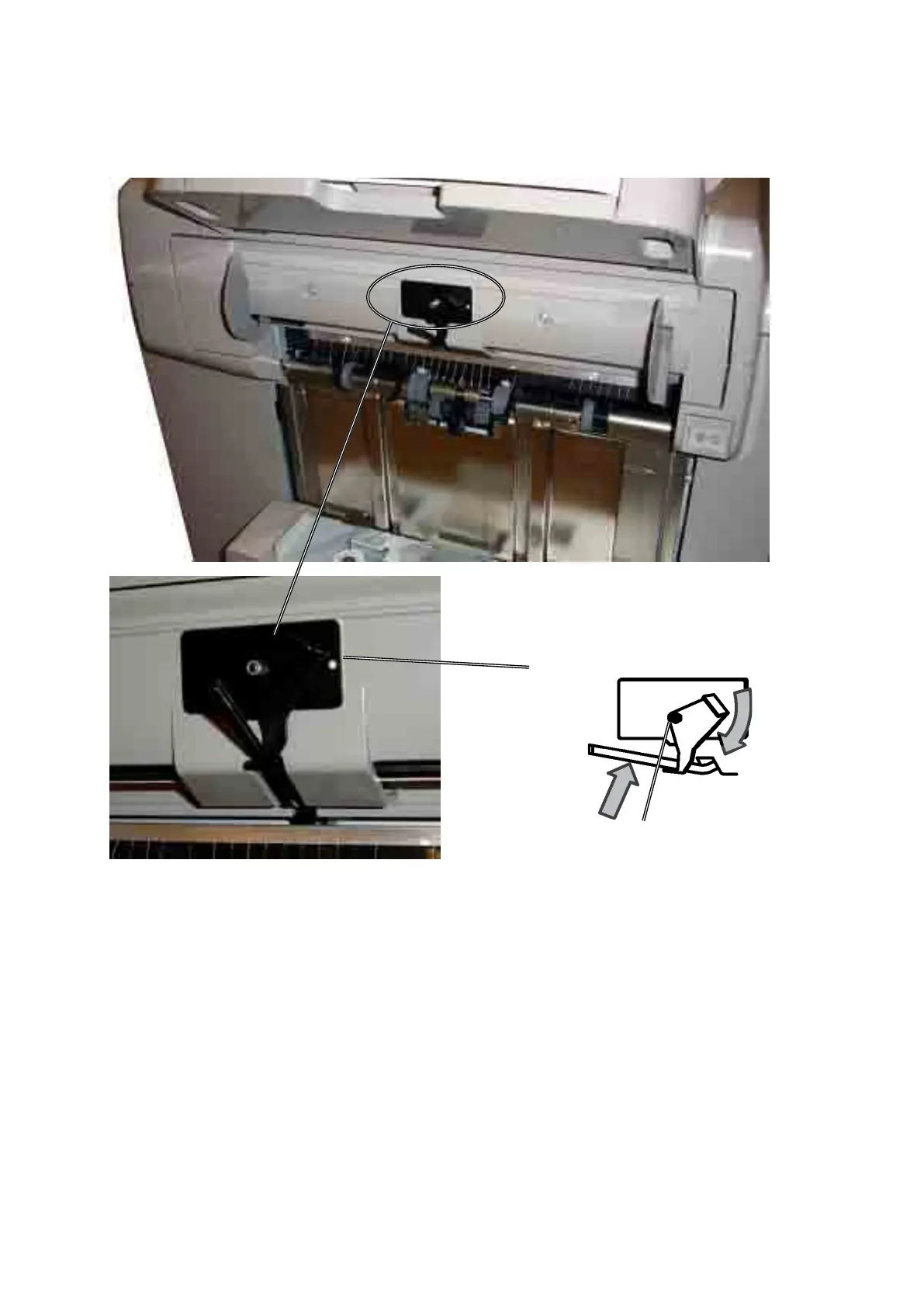
Exit arm catcher
1. Remove the adhesive backing from the Exit Arm Catcher [A].
2. InstalltheExitarmcatcheronthenisherasshowninpicture.
The nut on the Exit arm catcher should be centered over the Exit paper arm,
according to lower picture.
3. Lift up the Exit paper arm, and set it onto the Exit Arm Catcher [B].
[B]
[A]



 To Next Page