1-63
November 2012
BOOK FOLDER INSTALLATION
Use an interlock cheater and run the machine
with the top cover open.
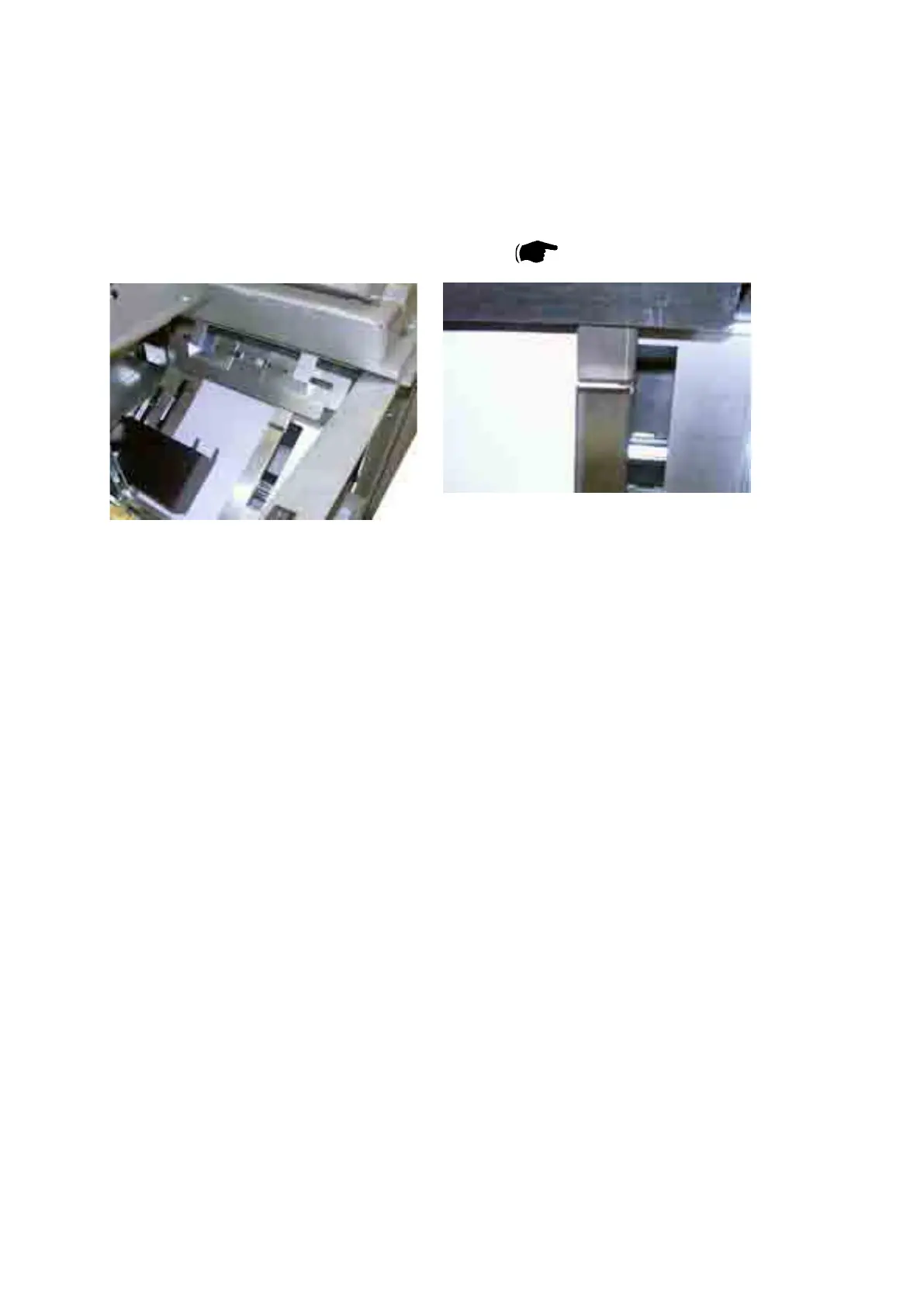
Verify that the sheets enters the Booklet
Maker centered between the side guides.
24. Sendve10sheetbookletsofA3/11x17”(40pagesofA4/8.5x11=abook-
let containing 10 sheets of A3 / 11x17”) to the Booklet maker system.
25. Check for the correct feeding of the sheets.
NOTE: The sheets should enter in the middle of the infeeder. If not, adjust the
Booklet maker according to section ( 1.3.3 on page 1-14).
26. Check that the booklets have been trimmed correctly and that they have a
Book folded spine.
27. Remove the interlock cheater and close the top cover.
If a Cover Feeder CF 5030 is installed, proceed with step 28 and onwards. If not,
theinstallationcheckisnished.
28. A. Prepare a 15mm high stack of A4/8.5 x 11” covers.
B. Make sure that the ink has dried out well, to avoid smearing.
C. Make sure that the covers are well fanned to avoid misfeeds or double-
feeds.
D.Alignthecoverswelltoachieveareliablecollatingoperationandgoodn-
ishing result.
E. Press down the green marks on Paper bin and load the covers.
F. Move the adjustable side guides up against the covers, until there is no clear-
ance.
G. Set up the Booklet maker to Cover On, the fan will start and the Cover
Feederwillprefeedtherstcovertobereadyforthesetfromthecopier.
29. Set up the Booklet maker to A4/8.5 x 11” paper size.
30. Send one A4/8.5 x 11” job to the Booklet maker system.



 To Next Page