25 November 2011
CF-3-14
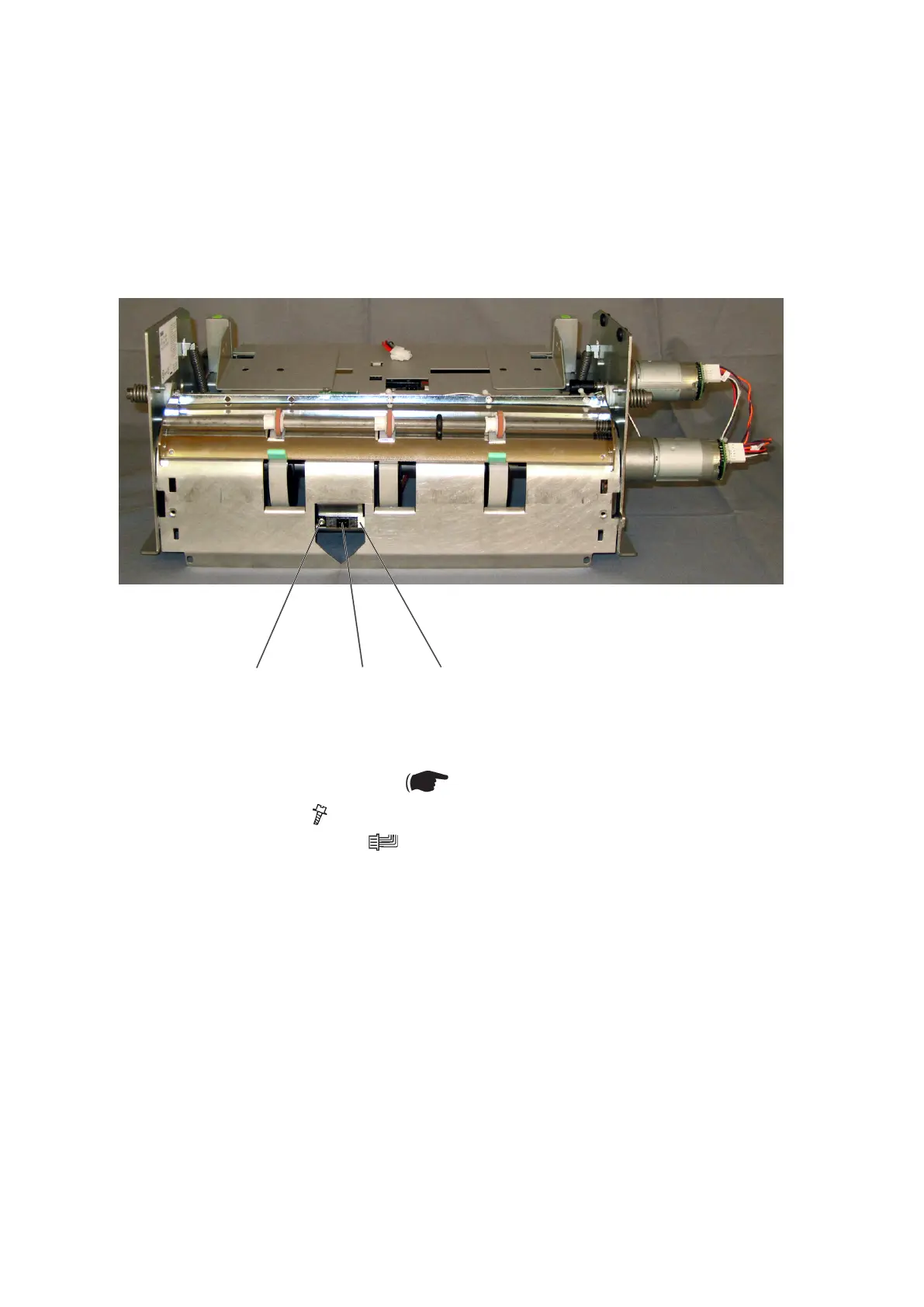
3.2.10 PAPER POSITIONING SENSOR Q32
1. Remove the lower paper path ( 3.2.10).
2. Remove screw [A] ( x1).
3. Disconnect connector [B] ( x1).
4. Remove the paper positioning sensor Q32 [C].
Replacement
1. Reverse the removal procedure.
[B][C][A]
AREA F



 To Next Page