25 November 2011
Replacement
Adjustment
CF-3-15
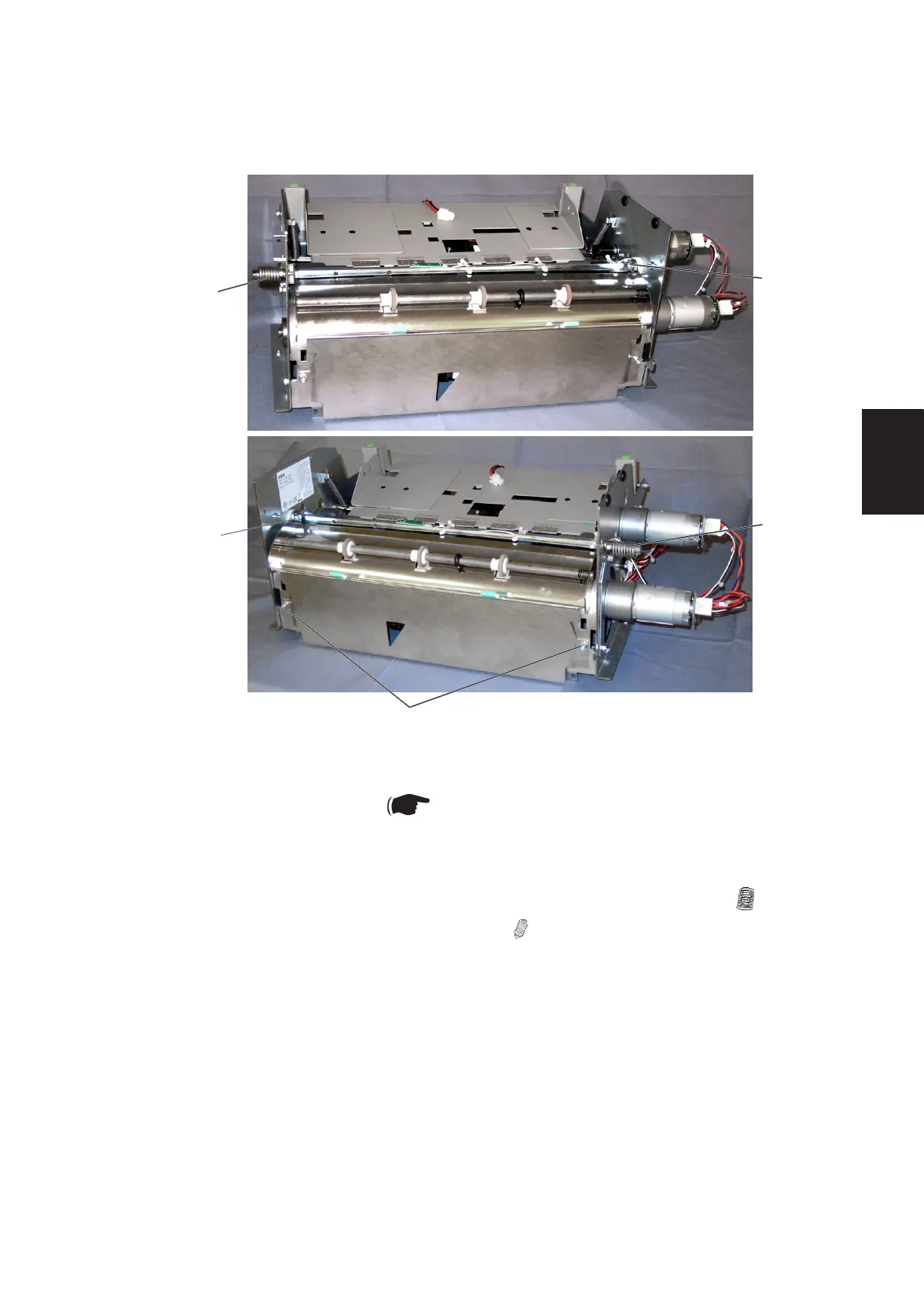
3.2.11 UPPER AND LOWER PAPER PATHS
1. Open the Top Cover.
2. Remove Rear Top Cover ( Booklet Maker Service Manual 3.3.6).
Upper paper path
1. Remove Spring [A] on the Front and Rear side of the Cover Feeder ( x2).
2. Remove screws [B] to Upper paper path ( x2) and remove upper paper
path.
Lower paper path
1. Remove screws [C] and remove lower paper path.
Replacement
1. Reverse the removal procedure.
[A]
AREA F
[B]
[A]
[B]
[C]



 To Next Page