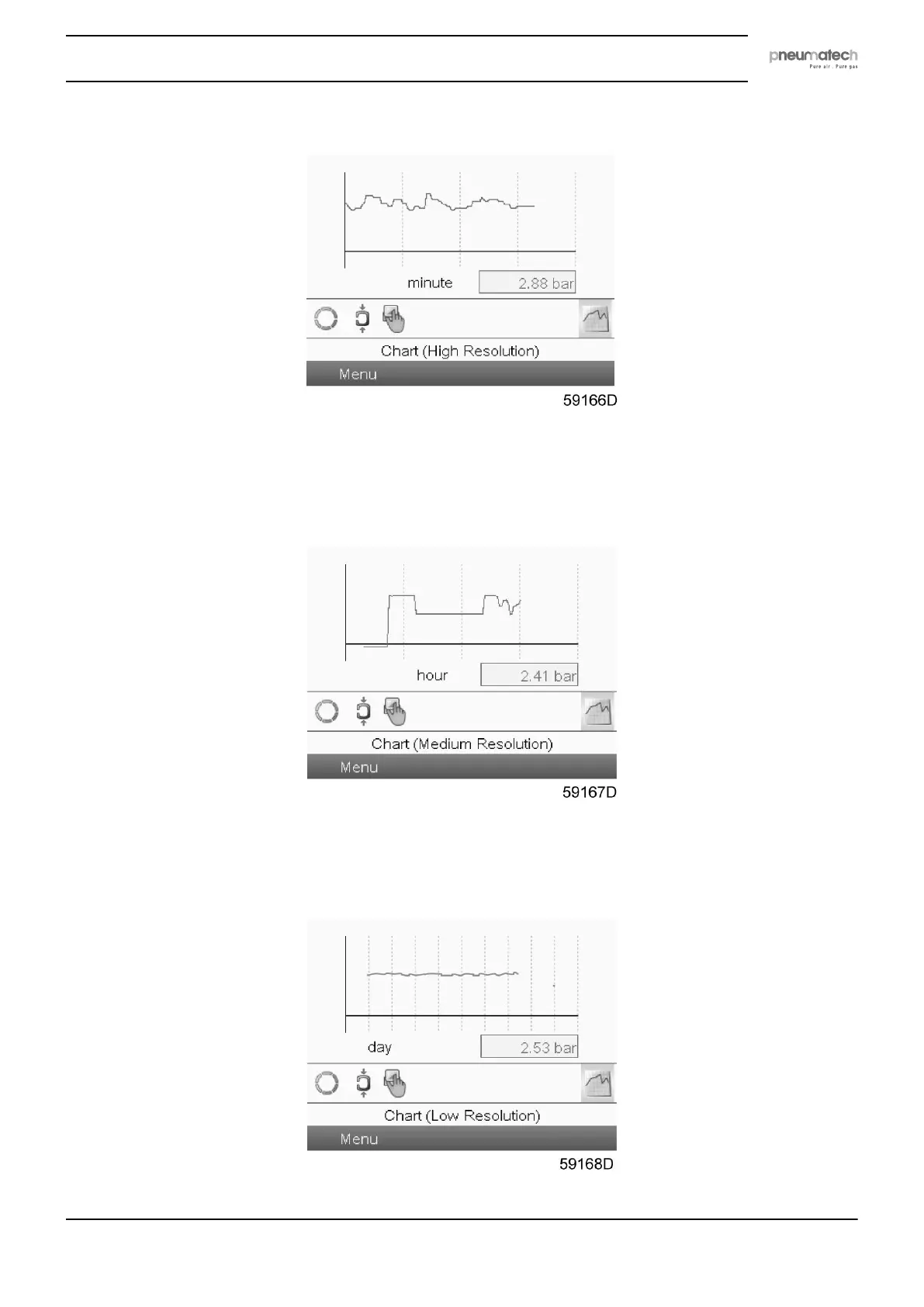
Chart views
When Chart (High Resolution) is selected, the value of a parameter (in the example, the pressure
is selected, but it could have been the PDP as well) is shown per minute. The parameter is
selected in the Inputs menu. Each point in the chart is 1 second. The screen shows 4 minutes.
The switch button (icon) for selecting other screens is changed into a small chart and is
highlighted (active).
When the Chart (Medium Resolution) is selected, a chart showing the parameter per hour is
shown on the main screen. Each point is the average of 1 minute. The screen shows 4 hours.
The switch button (icon) for selecting other screens is changed into a small chart and is
highlighted (active).
Instruction book
2920 7111 23 31



 To Next Page