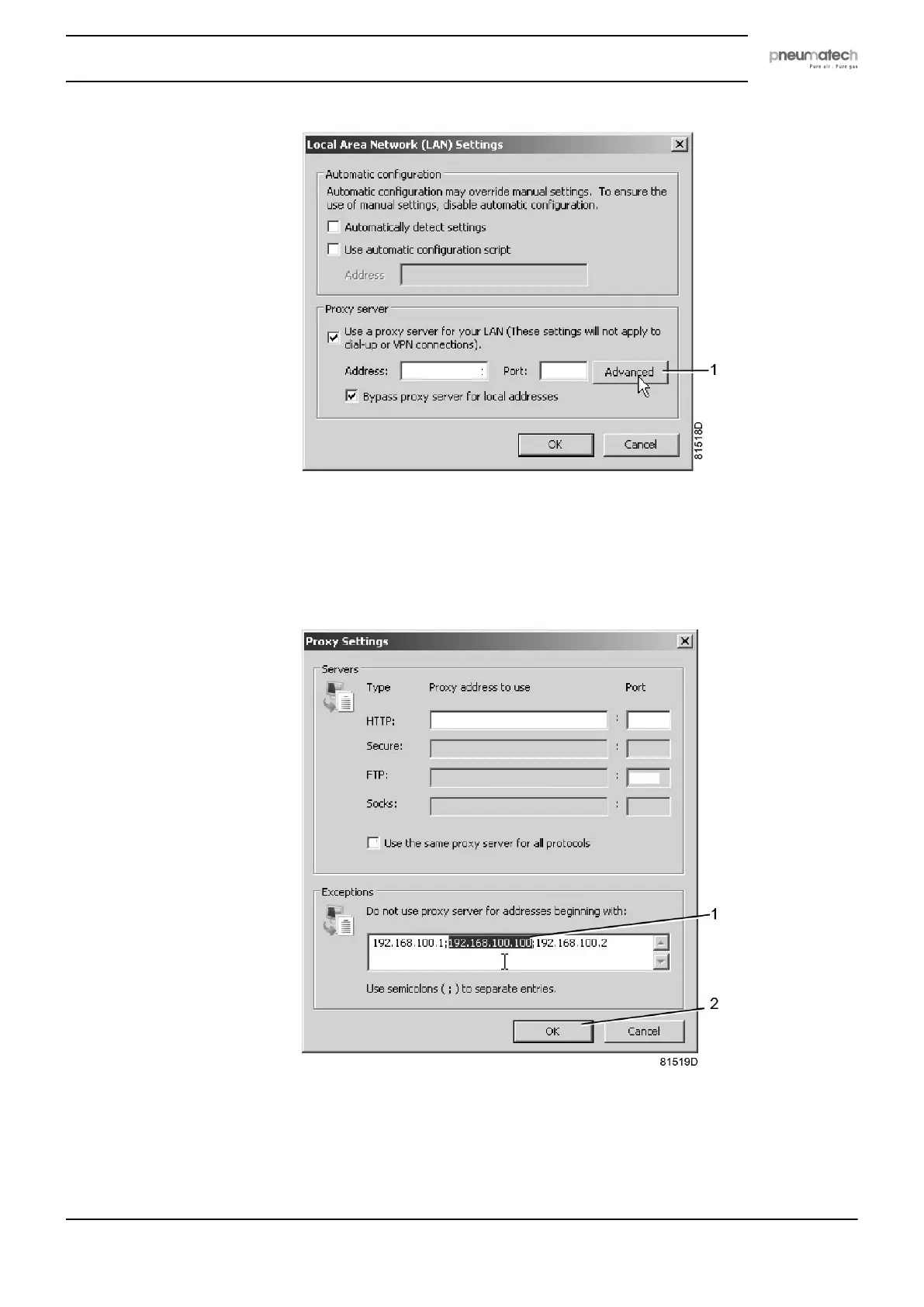
• In the Exceptions Group box, enter the IP address of your controller. Multiple IP addresses
can be given but they must be separated with semicolons (;).
Example: Suppose that you already added two IP addresses (192.168.100.1 and
192.168.100.2). Now you add 192.168.100.100 and separate the 3 IP addresses by putting
semicolons between them (1) (see picture).
Click OK (2) to close the window.
Viewing the controller data
• Open your browser and type the IP address of the controller you want to view in your
browser (in this example http://192.168.100.100). The interface opens:
Instruction book
2920 7111 23 67



 To Next Page