Poseidon SE7EN+ User Manual Chapter 1 Page 30
12. Cover
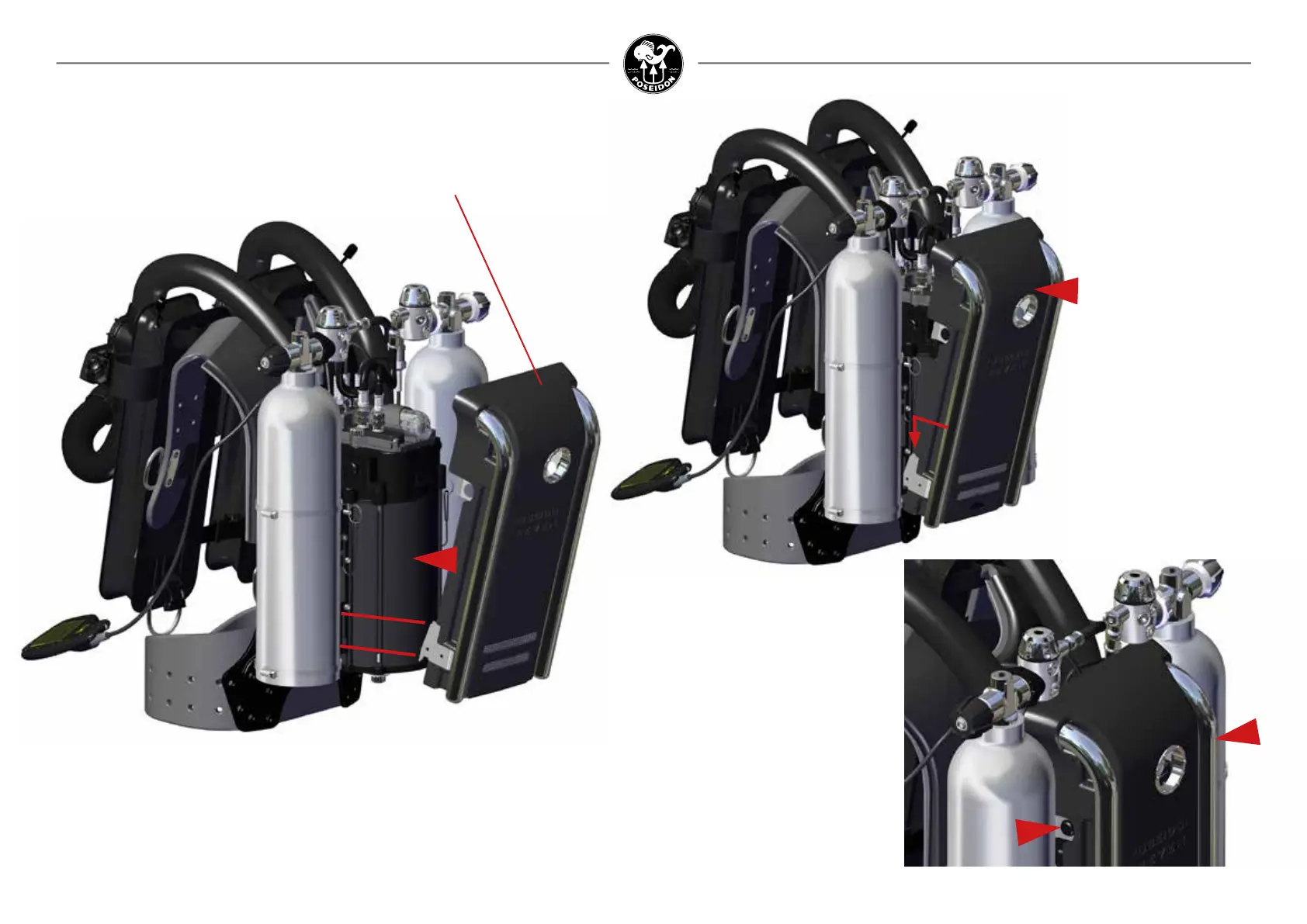
SE7EN+ Cover
Figure 1-51. Hook the cover lower part to the tank connection bracket.
Figure 1-52.
Press the upper part forwards
so the mechanism engages.
Make sure the cover is
securely xed “click”.
Figure 1-53.
On both sides of the cover there
are individual buttons to release
when disassemble.



 To Next Page