WMA-5 Operation Manual V. 1.01 62 support@ppsystems.com
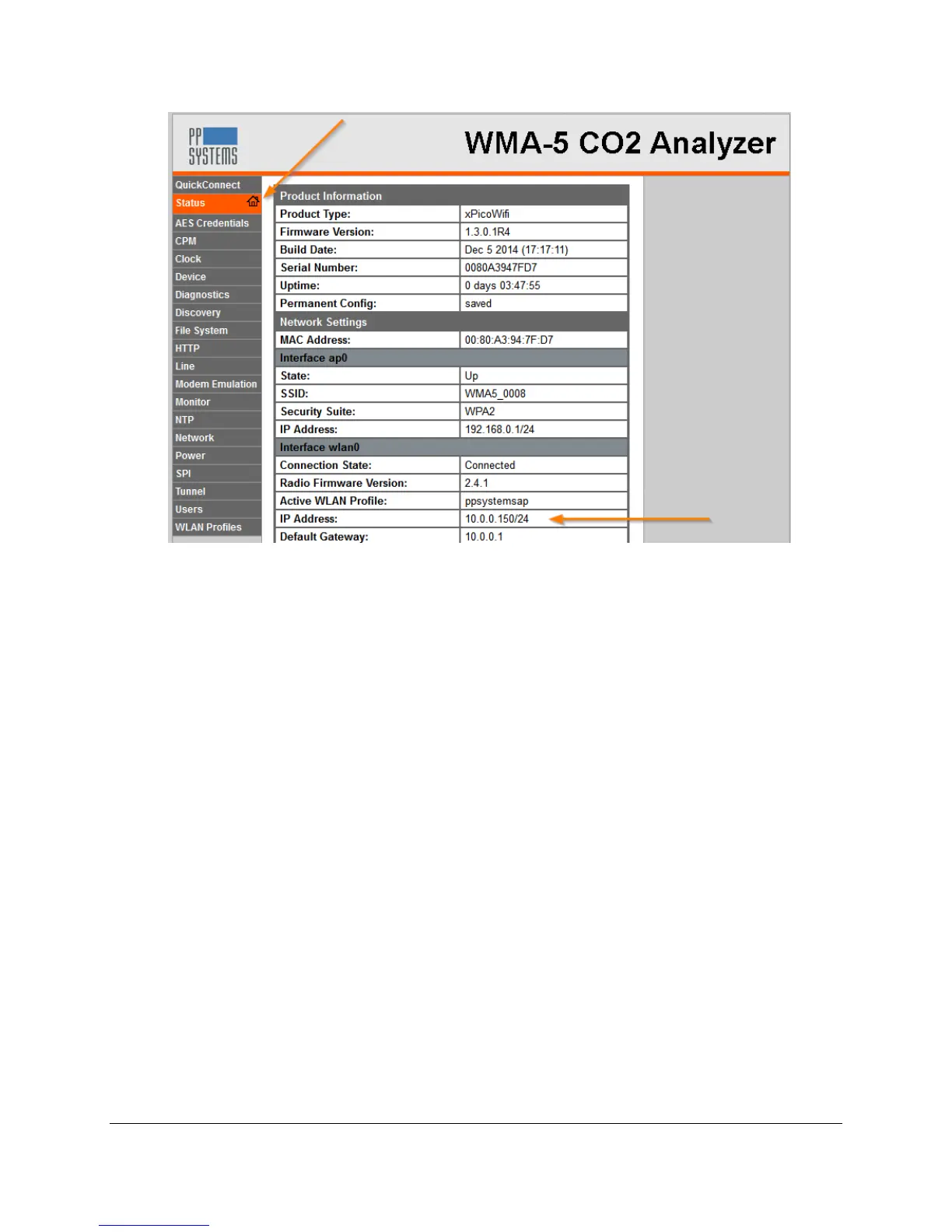
7. Now, any computer on the LAN can open a standard browser (E.g. Internet Explorer®, Firefox®,
Chrome™, Safari® etc.) and in the address field of the browser enter IP address assigned to the
WMA-5, such as ‘10.0.0.150’ for the example shown. Some browsers interpret that address as a
search term rather than a LAN IP address, so enter ‘http://10.0.0.150’ in the address bar, if
necessary. Then, follow the steps 6, 7 and 8 from the SoftAP section above to enter the user
name and password and navigate through the WMA-5 web pages.



 To Next Page