PreciseFlex_Robot
82
4. Cycle robot power to reboot the controller.
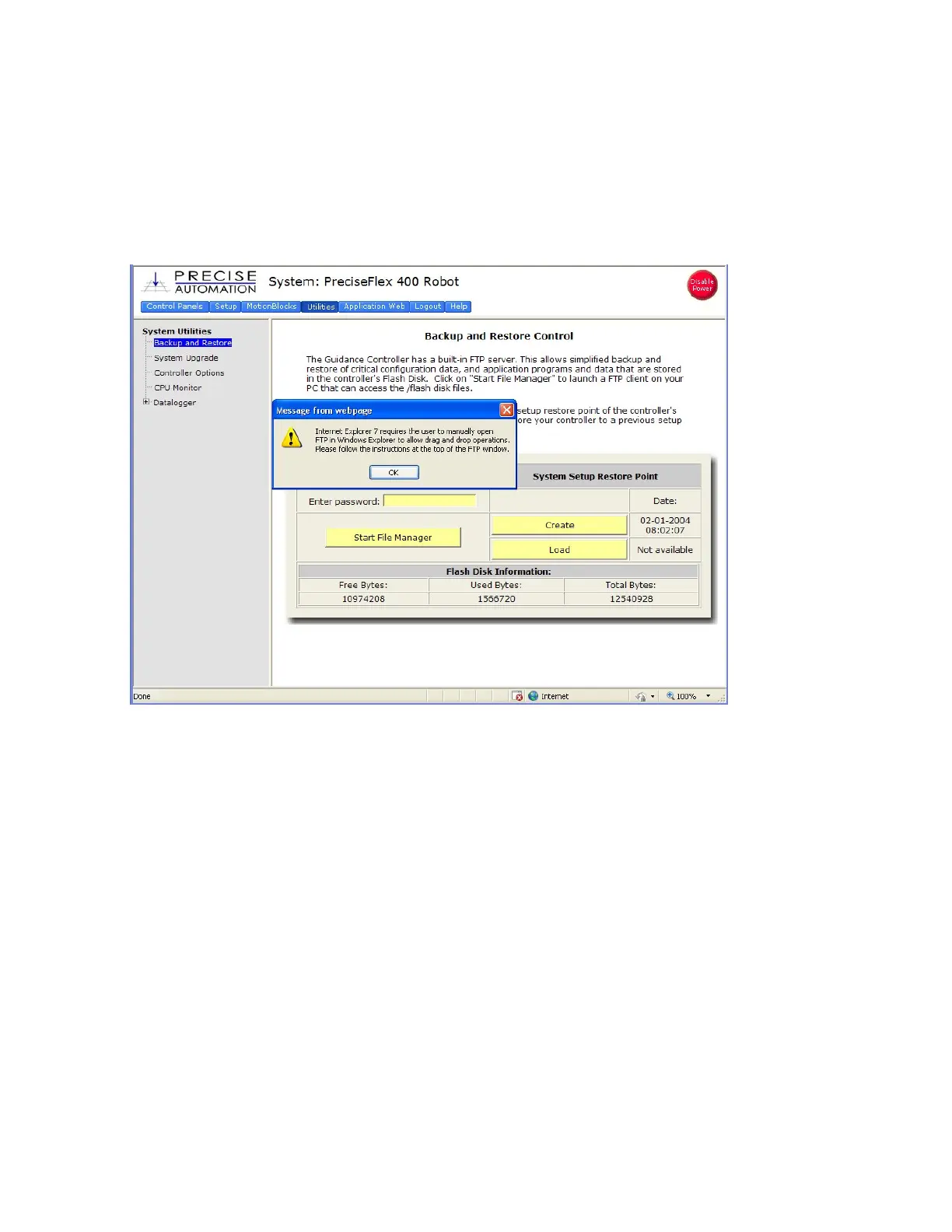
5. In the Web Based Operator Interface, select “Utilities/Backup and Restore
6. Click on Start File Manager. It may be necessary to hold down the Control Key to allow the pop-
up. An ftp directory pop-up will come up. In the “Page” menu in Windows Internet Explorer select
“Open ftp site in Windows Explorer”. Another window will open showing several folders, including
“Config” and “Projects”.



 To Next Page