70 Troubleshooting and Maintenance
G. REPLACING THE PRINT HEAD
Regular replacement of the print head is not necessary.
However it may become necessary if you notice a gradual
decrease in print quality or if some of the print nozzles are
still clogged after repeated manual cleanings as described in
Section 5F.
Follow this procedure:
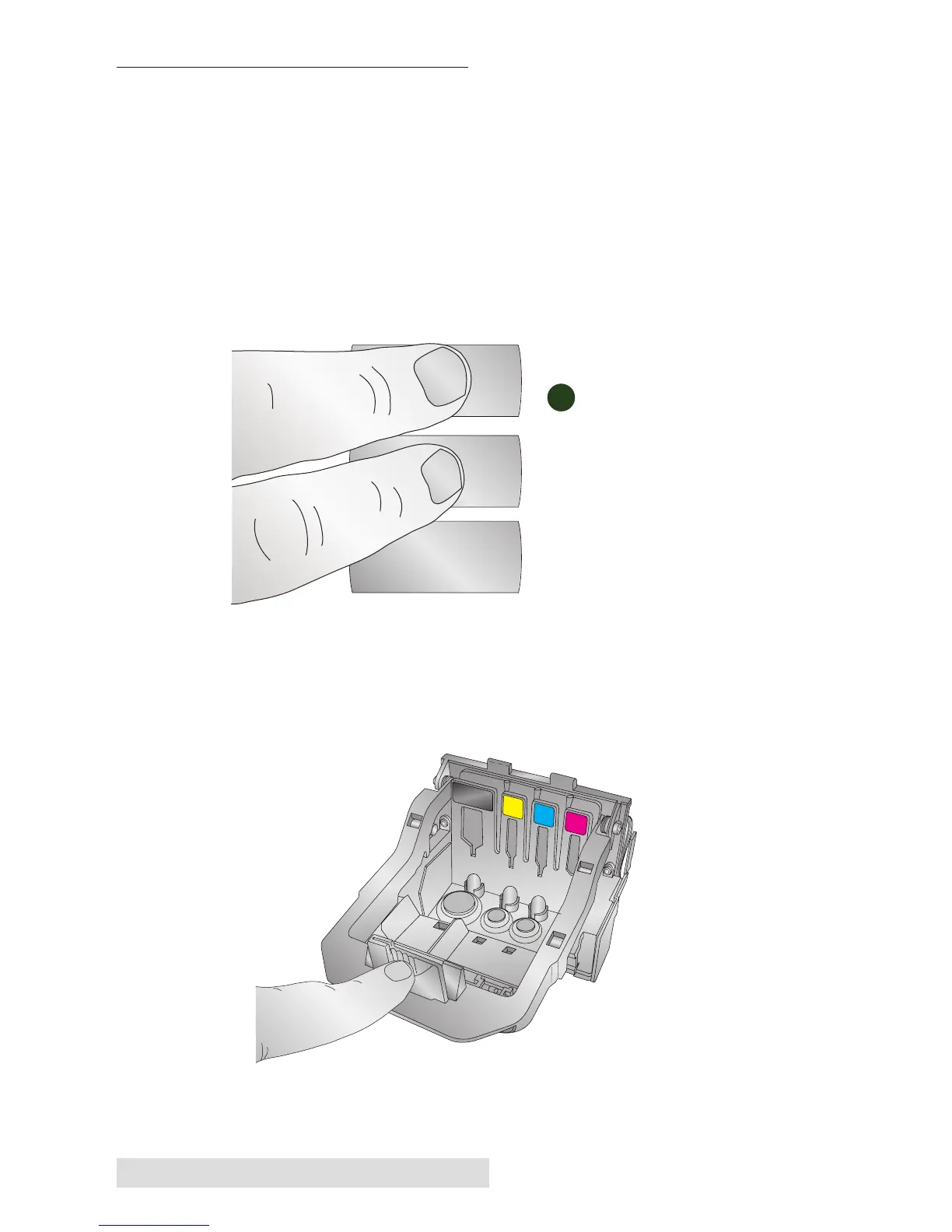
1. Press the Pause and Load/Feed buttons simultaneously to
move the print carriage to the center of the print area.
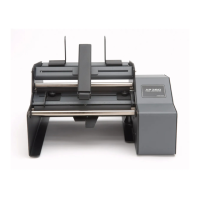
2. Remove all cartridges. Press the release tab at the front of
the carriage to release the latch.
Press Pause + Load/Feed
to Start and Finish.
Power
Ink
Pause
Load/
Feed
Unload



 To Next Page