4–14 Troubleshooting
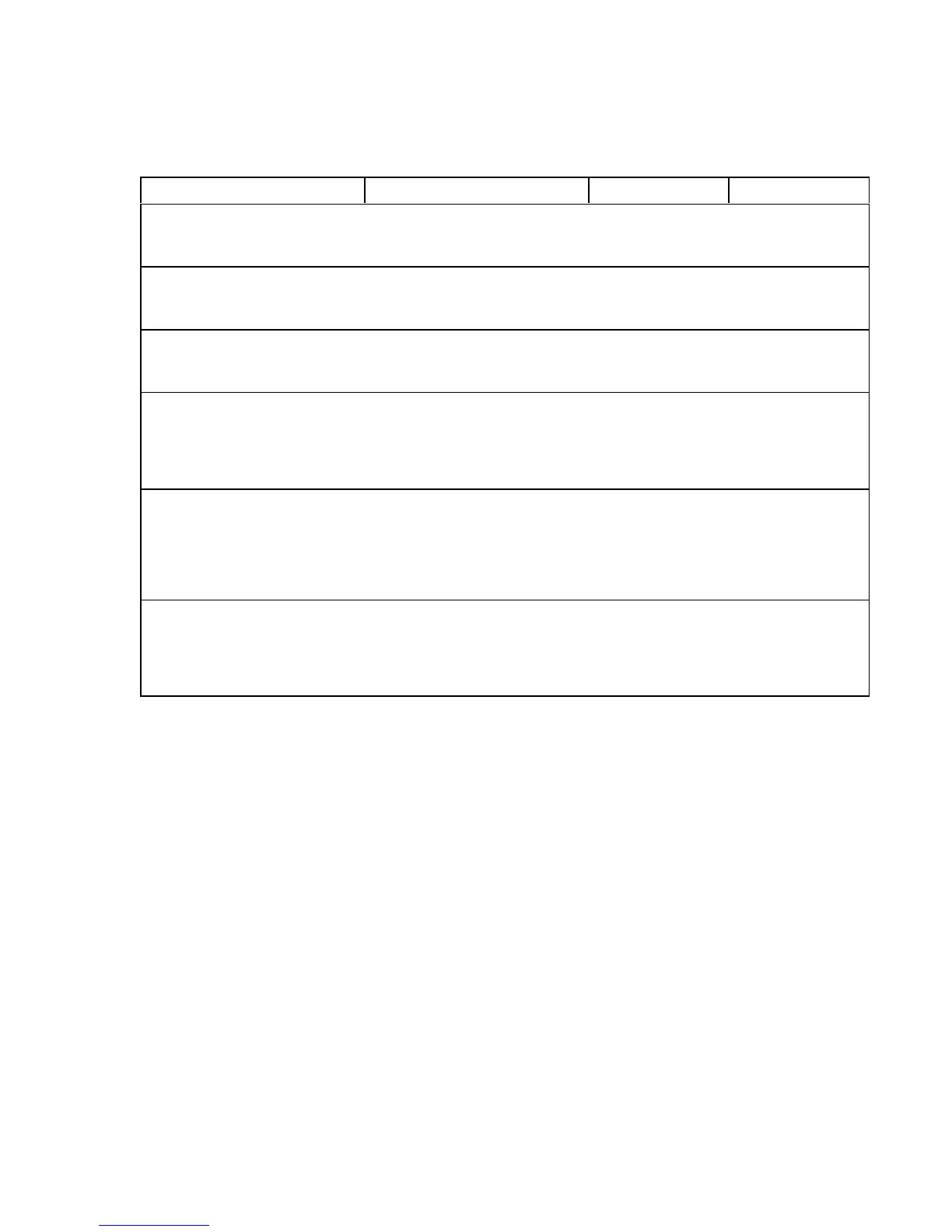
Ham. Drv. Short *
Hmr Driver Short
Instruction Indication Yes No
1. Cycle power: Turn printer off.
Wait 15 seconds. Turn printer
on.
“Ham. Drv. Short * ” message. Go to step 2. Return printer to
normal operation.
2. Press the control panel
switch that clears fault
indications.
“Ham. Drv. Short * ” message. Go to step 3. Return printer to
normal operation.
3. Disconnect connectors J4,
J5, and J6 from hammer
driver board. Cycle power.
“Ham. Drv. Short * ” message. Replace the
mechanism driver
board.
Go to step 4.
4. Disconnect connectors J1,
J2, J3, and J4 from the
hammer driver board.
Connect J5 and J6. Cycle
power.
“Ham. Drv. Short * ” message. Replace the
hammer driver
board.
Return printer to
normal operation.
5. Connect all cables. Cycle
power.
“Ham. Drv. Short * ” message. Disconnect
hammer driver
cables one by one
until of
fending
cable is isolated.
Go to step 6.
Return printer to
normal operation.
6. Check resistance to ground
of all contacts in the bad
cable. If any measure v100
KΩ to ground, replace the
cable and the coil.
“Ham. Drv. Short * ” message. Return printer to
normal operation.



 To Next Page