11
1. Use as External USB HDD
1.1 Insert Hard Disk
Use 3.5” SATA Hard Disk for Desktop.
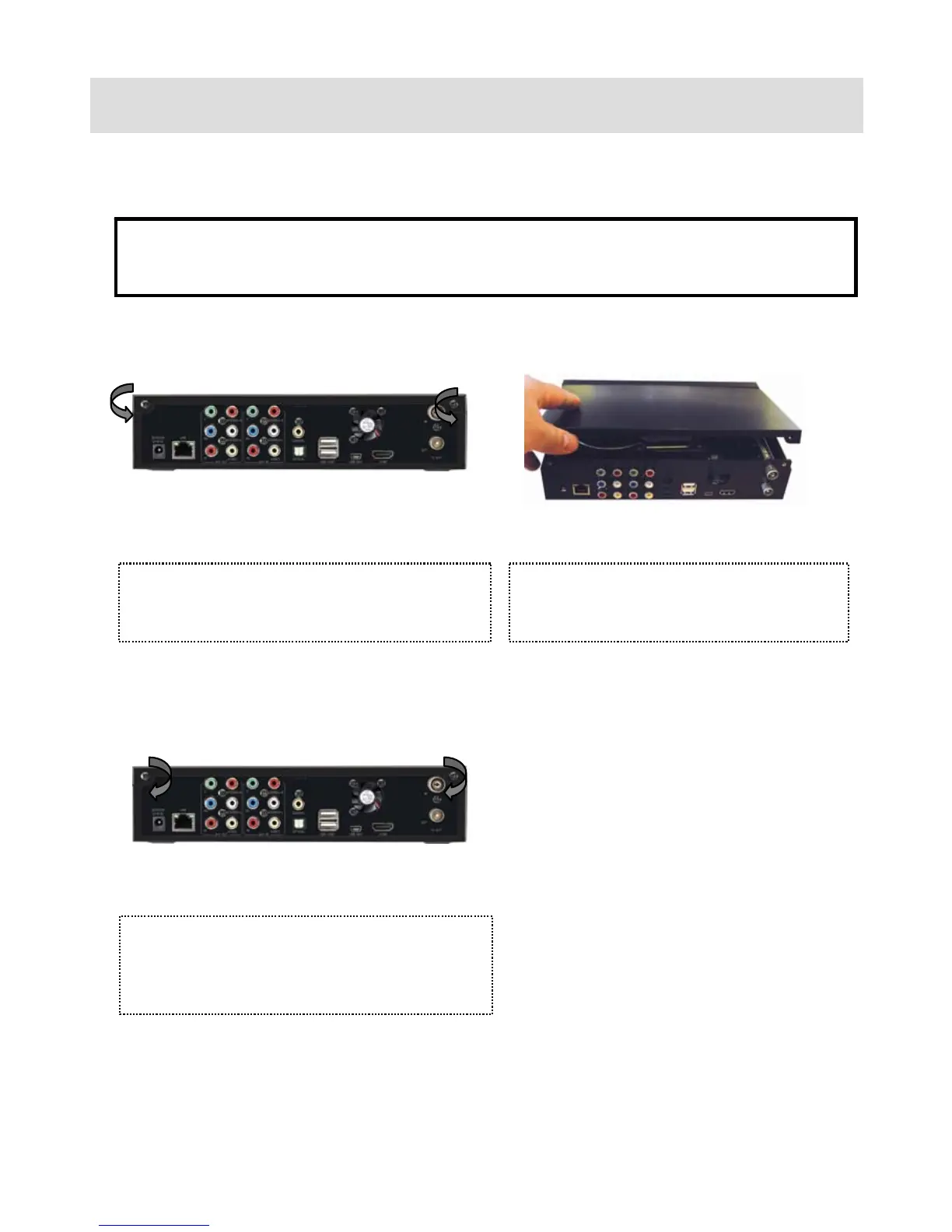
① Unscrew 2-spot and open the top cover
with pulling up the arrow direction
② Connect Power and SATA connector to
Hard Disk.
③ Finish assemble with screwing 2-spot,



 To Next Page