59
8.3 Multimedia
Play back the contents (Movie, Audio, Photo) from a HDD, Network (LAN / Wireless) connections and an
external USB storage.
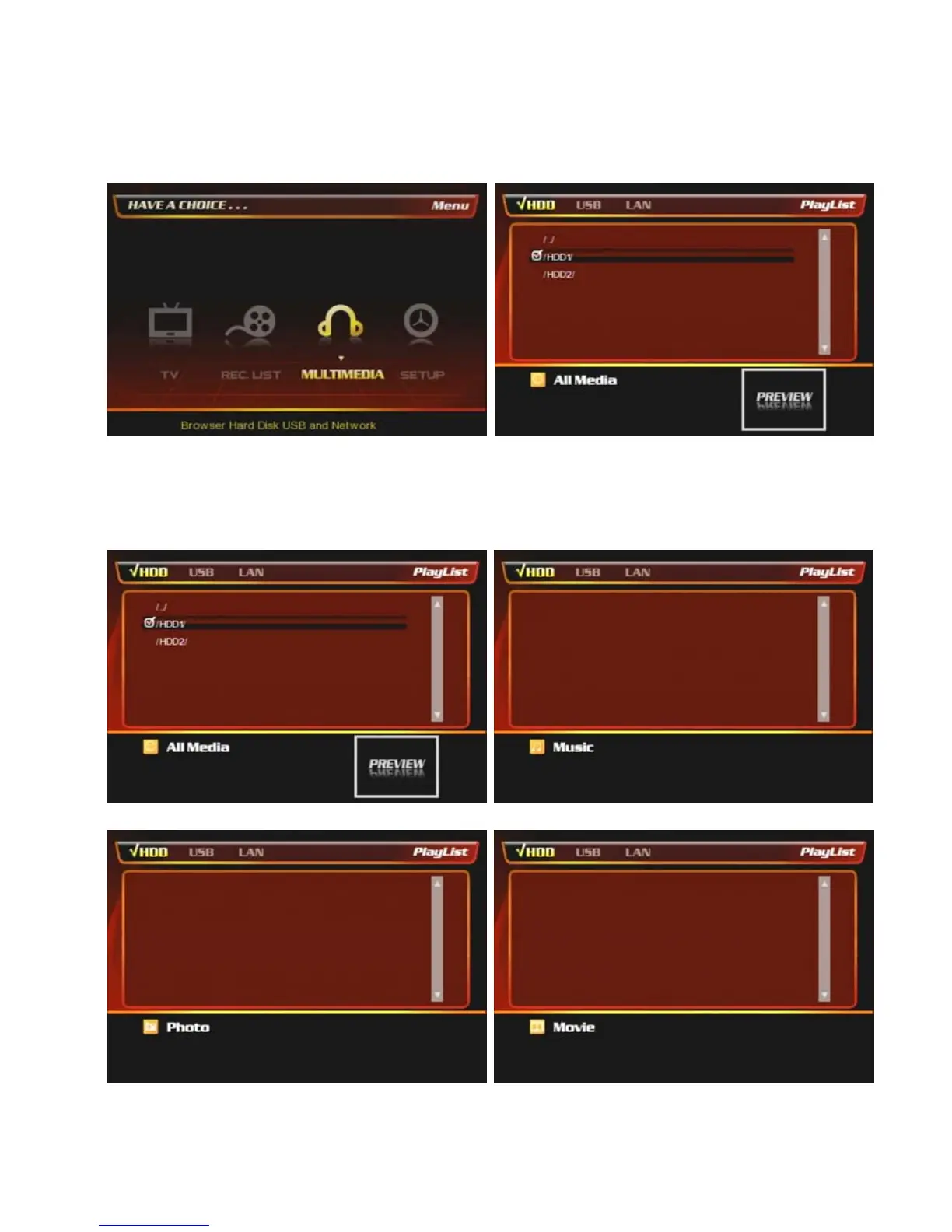
If you press [Media Type] button on the remote then PBR-500 sort the file types as the below;
① At the main page, select [Multimedia] icon or press
[M.MEIDA] button on the remote.
② After selected Multimedia icon, then you have four
sub-icons (HDD, LAN, USB)
③ You can also sort the files by using [MEDIA TYPE] on the remote control such as movie, audio, photo.
[All Media] [Music]
[Photo] [Movie]



 To Next Page