81
10.1.2. Access to the PBR-500(FTP Server) by using FTP Client Program.
[Step 1] : Install the FTP client program at your PC.
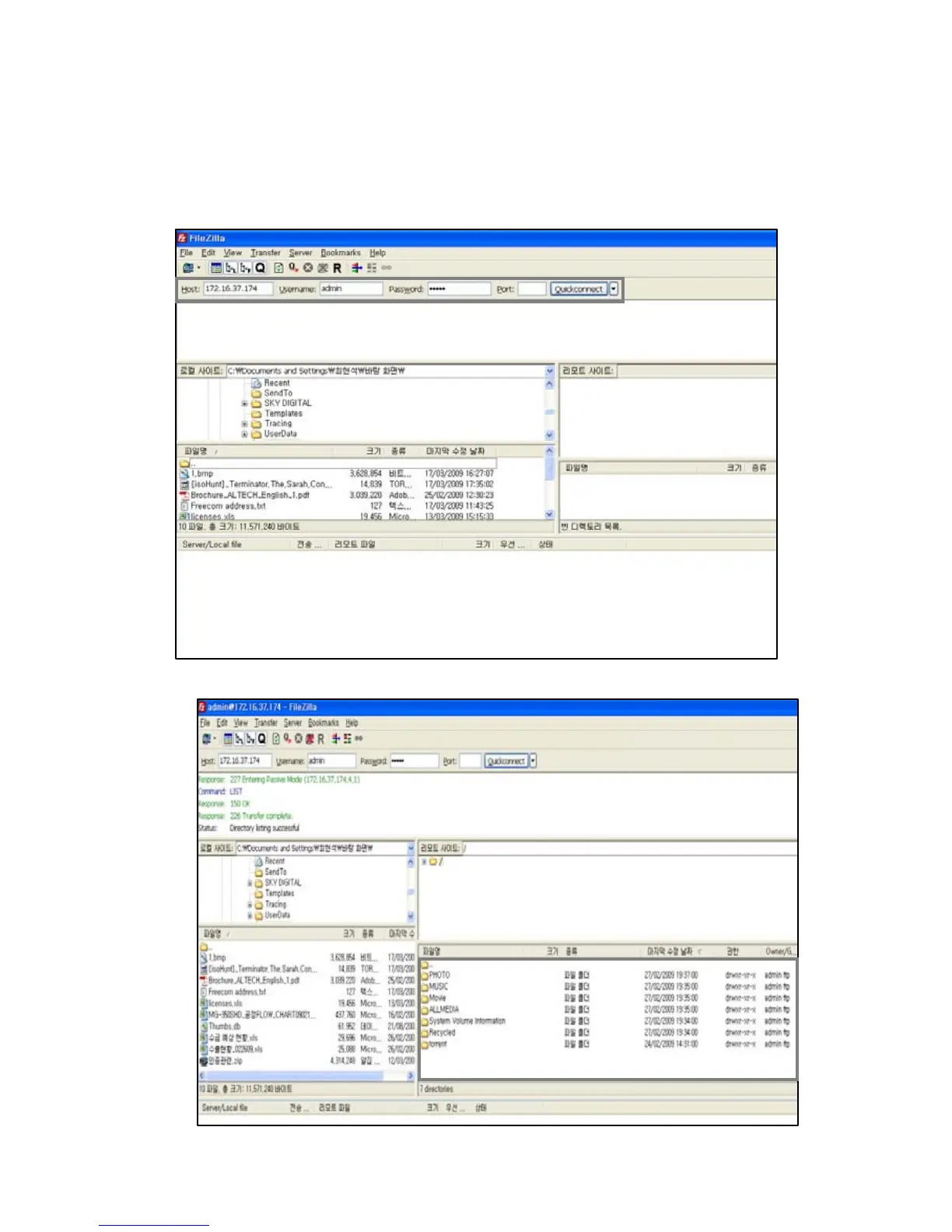
[Step 2] : Open the FTP client program.
[Step 3] : Put the request date / Host : FTP Server IP address / Username / Password
(The default port is “21”, so no need to put if you did not indicate a special port number)
[Step 4] : Now, your computer has been successfully accessed to the PBR-500 (FTP Server).



 To Next Page