79
10. FTP Server
Currently, two (2) users can access to the PBR-500 (FTP Server) at the same time.
You can use the PBR-500 as a FTP server and can upload / download the files.
In order to use this function, you need to connect the PBR-500 to a router and set up [Port Forwarding / Port
number : 21] or [DMZ Server] at the router. For more information how to setup the [Port Forwarding], refer to
the manual of the router you are using.
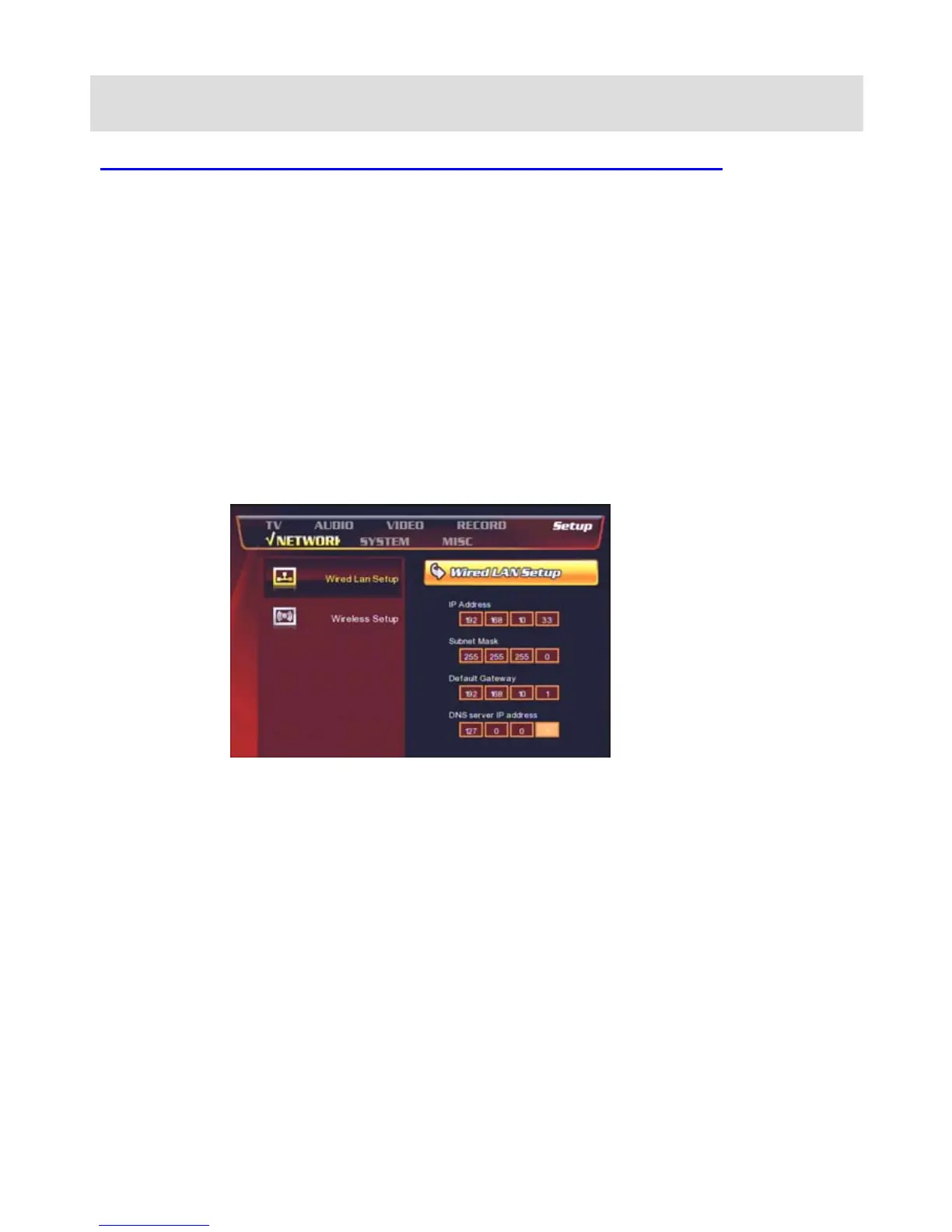
At the Probox PBR-500, you need to set up the below;
-. IP Address : set the fixed private IP address to the PBR-500
-. Subnet Mask : 255.255.255.0
-. Default Gateway : set the IP address of the router.
(If the router is using a dynamic public IP address then you may need to use DDNS function of the router).



 To Next Page