42
5.2 Connect Audio Cable
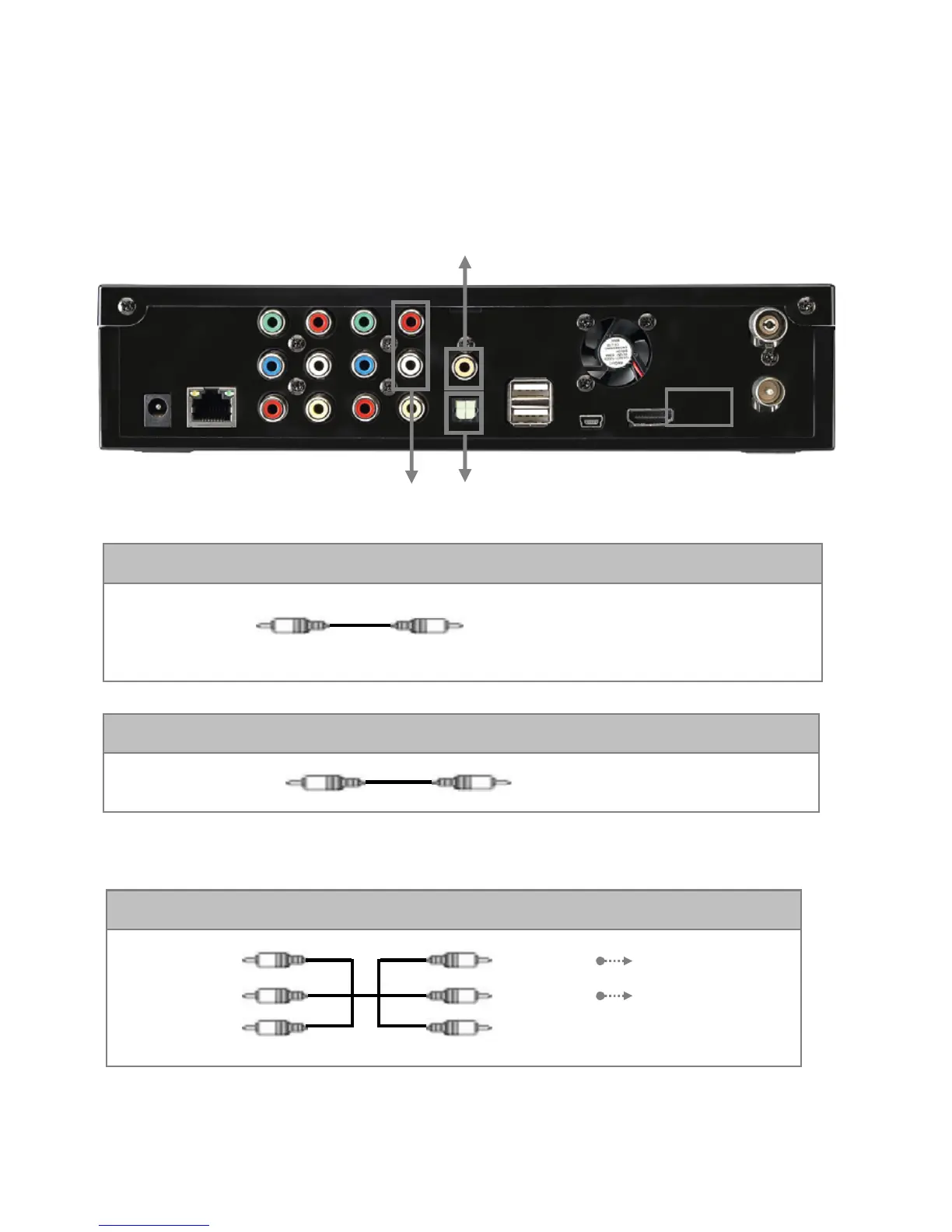
The PBR-500 supports three types of audio output; “Stereo, Coaxial, Optical”. Use audio connection that
your TV or Audio set supports. Normally, TV supports stereo audio connection, and this package supplies
stereo audio cable.
Red
(STEREO-R)
(STEREO-L)
White
Red
(STEREO-R)
(STEREO-L)
White
Connect R Jack of TV.
Connect L Jack of TV.
③ Stereo: Red & White RCA Cable (supplied)
Connect coaxial jack of Amplifier or
Receiver.
① Coaxial: Coaxial cable for Digital 5.1 ch. (not supplied)
COAXIAL
OPTICAL
Connect Optical Jack of Amplifier or Receiver
② Optical : Optical Cable for Digital 5.1 ch. (not supplied)
Don’t connect optical and coaxial cable together at the same time.
① ②
③



 To Next Page