55
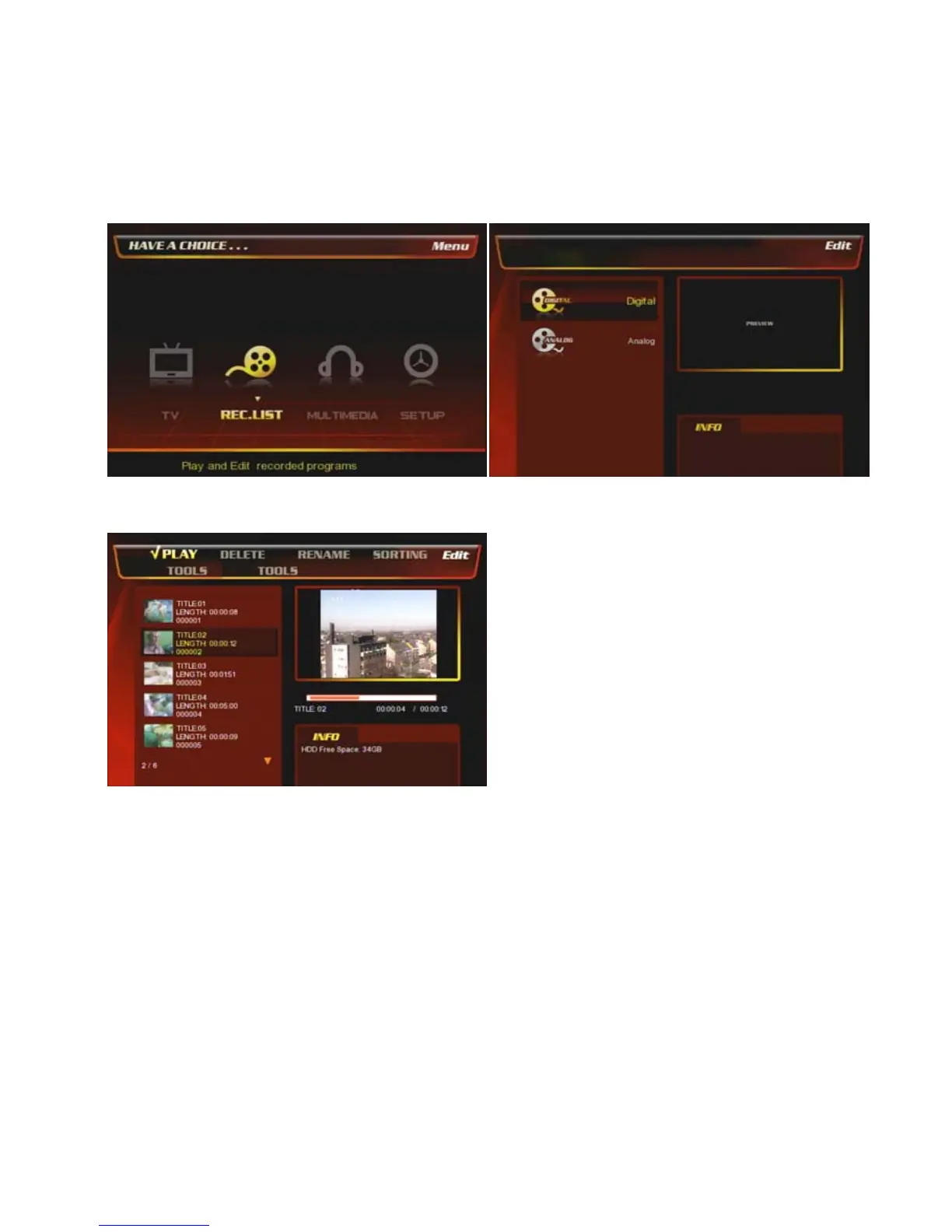
8.2 REC. LIST
You can see the recorded lists of the analogue & digital TV channels here and playback or move, delete,
rename, etc the lists.
8.2.1. Digital Recorded Lists
① At the main page, select [REC. List] icon or press
[REC. List] button on the remote.
② Select [Digital]
③ You can play, delete, rename, sort, title edit, tools the
files.
For more detail how to rename, delete, sorting, Title Edit,
Tools, see the next 8.2.2 chapter.



 To Next Page