54
8.1.5. AV-IN Record.
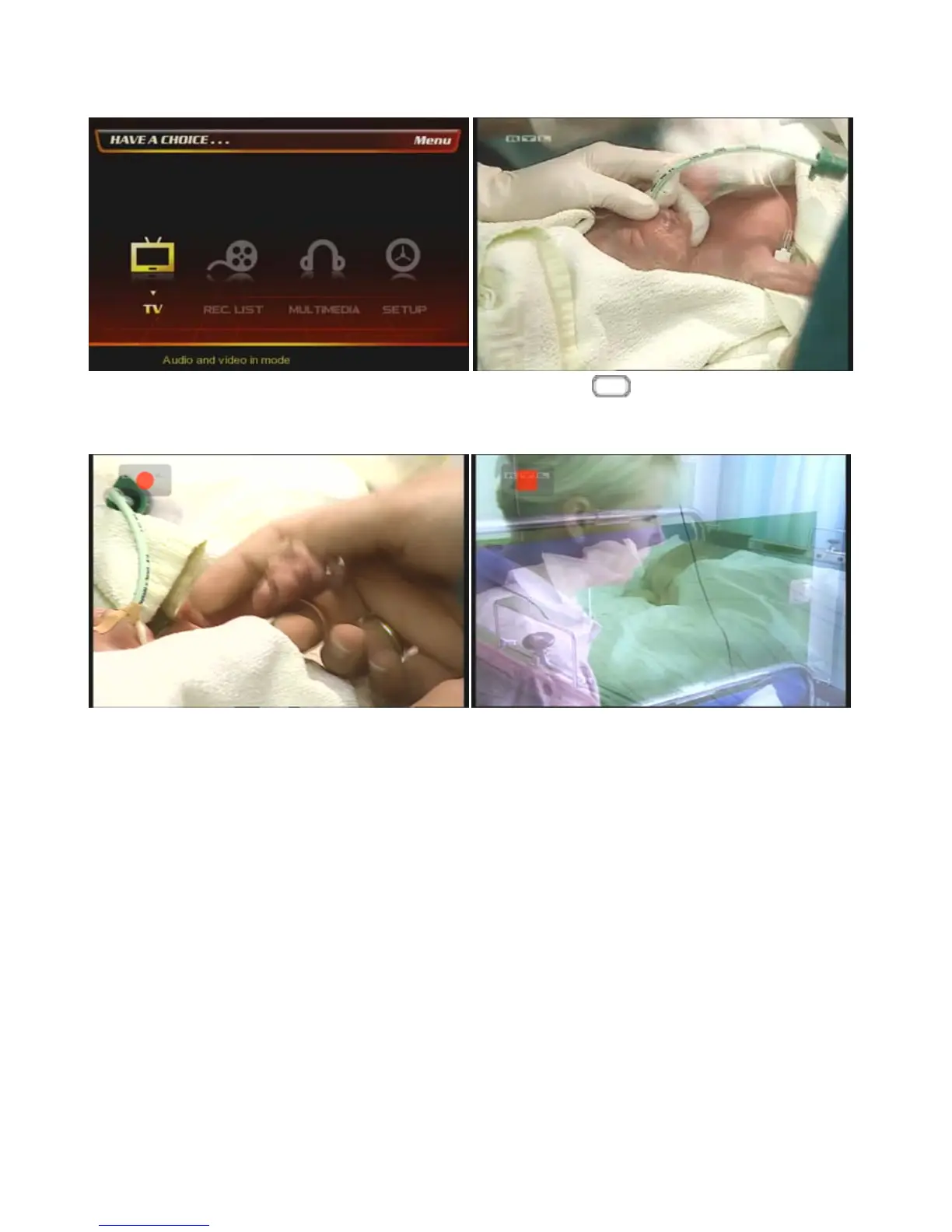
At the main page, select [① TV] icon.
② Press [Source] button several times on the
remote until you have the screen that you connected to
PBR-500 with a external analogue AV device.
③ Press [Record] button on the remote then it starts
the recording the analogue contents into the digital
contents from the external AV device.
④ If you want to stop the recording then press [Stop]
button on the remote.



 To Next Page