58
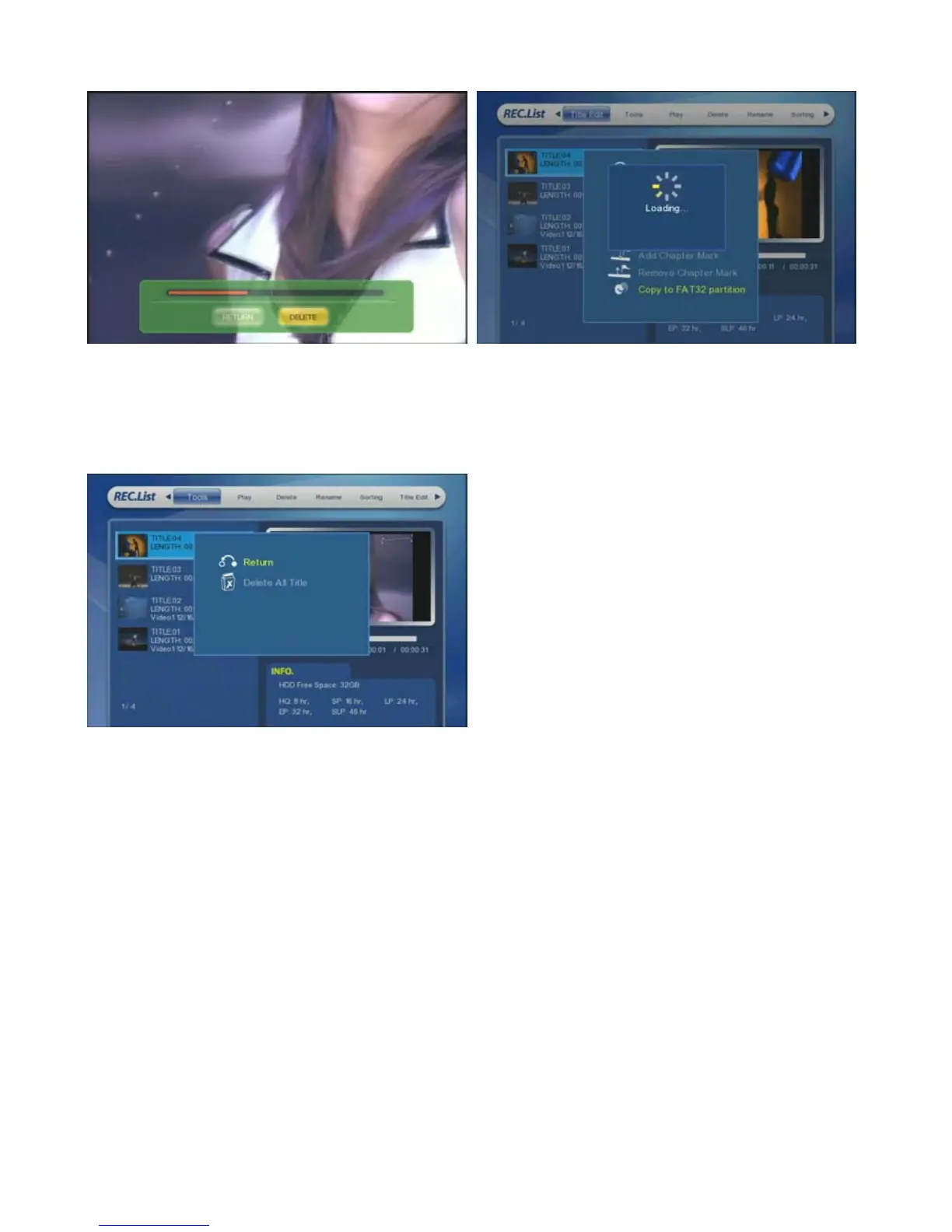
⑫ [Remove Chapter Mark] : Remove the marked
chapter.
⑬ [Copy to FAT32 partition] : Copy & Paste the selected
file to FAT32 partition and then you can see the files at a
PC.
At a PC, you can not access the partition for Recording
but only can access to FAT & NTFS.
⑭ [Tools] : Delete all files at one time.



 To Next Page