77
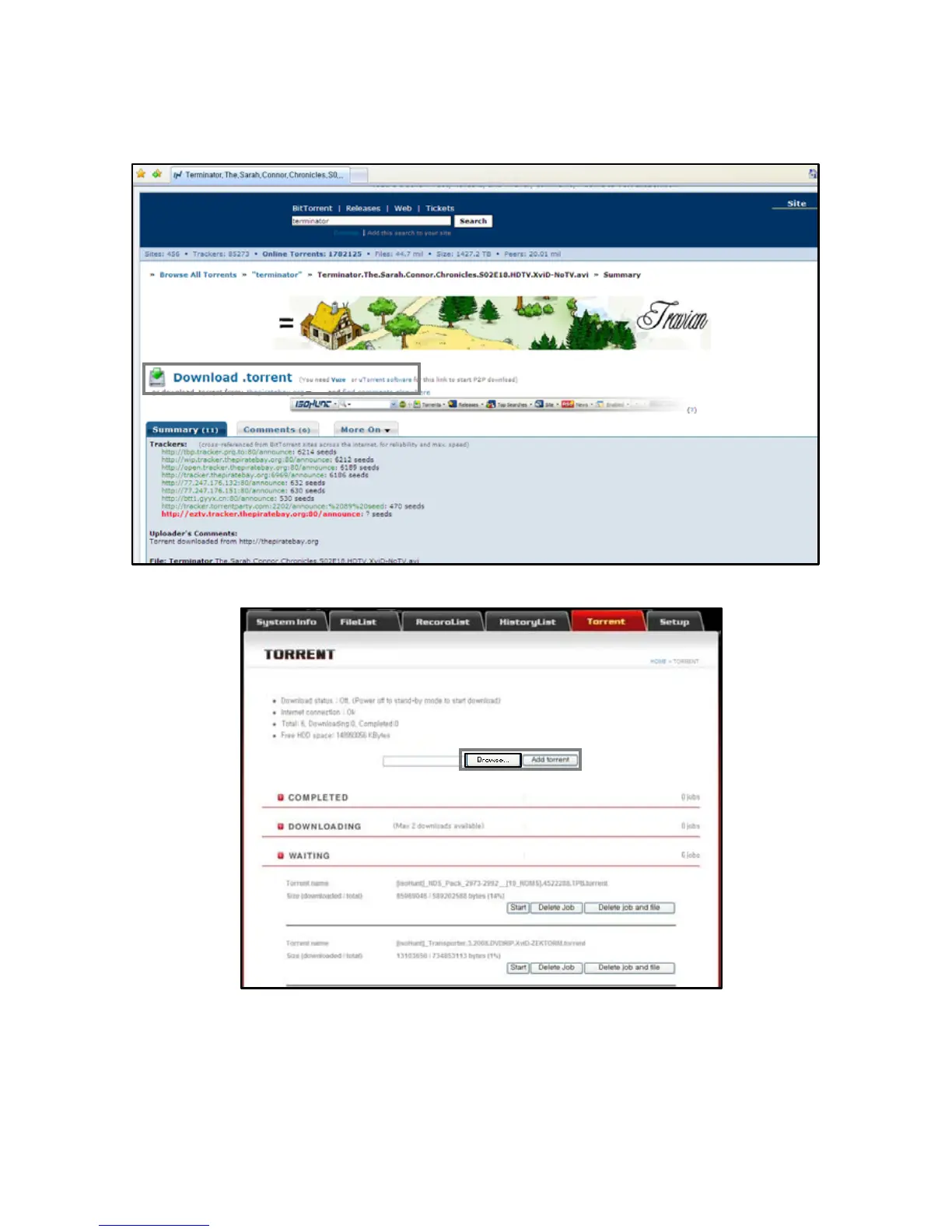
[Step 3] : Click the selected file name as below and save the file into a folder.
[Step 4] : Click the [Browse] button at the Web-Access page as below and add the Torrent file And the press [Start] button.
[Step 4] : After you turn off the PBR-500 by [Stand-By Mode], the PBR-500 will start the Torrent file downloading.
-. [Delete Job] : Delete the Torrent file from the PBR-500.
-. [Delete Job and File] : Delete the Torrent file including the temporary files and also downloaded parts as well.



 To Next Page